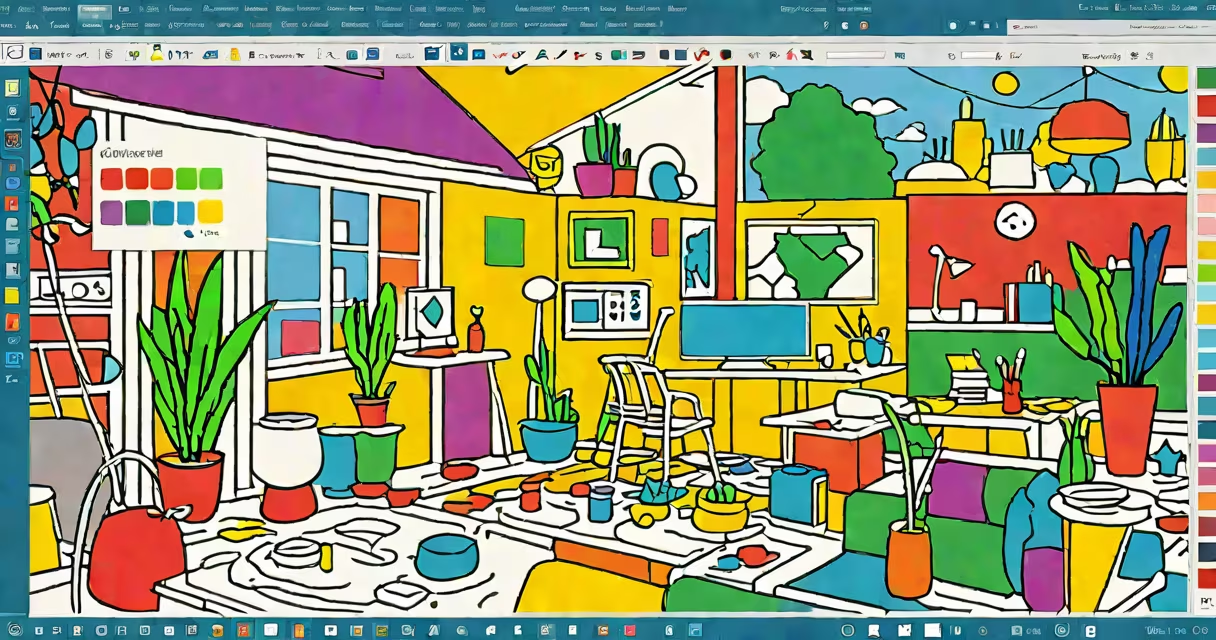
Microsoft Paint AI refers to the integration of artificial intelligence features into Microsoft Paint, transforming the classic drawing tool into a more useful digital art platform. These AI capabilities include automatic colorization, style transfer, and object recognition.
Microsoft Paint AI leverages machine learning models trained on vast datasets of images and artistic styles. When users sketch a simple outline, the AI can automatically fill in colors, apply artistic styles, or even recognize objects to improve the drawing. This process involves complex algorithms that analyze patterns and make predictions based on the input provided by the user.
The primary features of Microsoft Paint AI include:
Microsoft Paint AI is primarily used by casual artists, educators, and hobbyists who want to create digital art without extensive training. The tool is integrated into the updated version of Microsoft Paint, available on Windows 10 and Windows 11. It is particularly useful for educational purposes, allowing students to learn about art and design in an interactive way. Professionals may also use it for quick concept sketches or to generate ideas for more complex projects.
One common misconception is that Microsoft Paint AI replaces traditional drawing tools. However, it aims to complement existing tools by providing additional features that improve creativity. Another misunderstanding is that the AI can create entire artworks without any user input. In reality, the AI requires a basic sketch or outline to work effectively, making it a collaborative tool rather than a fully autonomous one.
For instance, if a user draws a simple outline of a cat, the AI can fill in the details, apply a specific artistic style, and even suggest realistic textures. However, the initial sketch must be recognizable for the AI to function accurately. This collaboration between the user and the AI helps the final artwork reflects the user's intentions while benefiting from the AI's enhancements.
In my experience testing Microsoft Paint AI, I found it particularly useful for quickly generating concept art. For example, I sketched a rough outline of a field, and the AI automatically filled in the colors and applied a watercolor style, resulting in a detailed and visually appealing image. This feature can be a major change for artists who need to produce multiple versions of an idea quickly.
Microsoft Paint AI represents a significant evolution of the classic drawing tool, incorporating advanced AI features to improve creativity and ease of use. By using machine learning and object recognition, it provides users with useful tools to create high-quality digital art with minimal effort. Whether for educational purposes, professional concept art, or personal hobby projects, Microsoft Paint AI offers a versatile and accessible solution for all levels of artists.