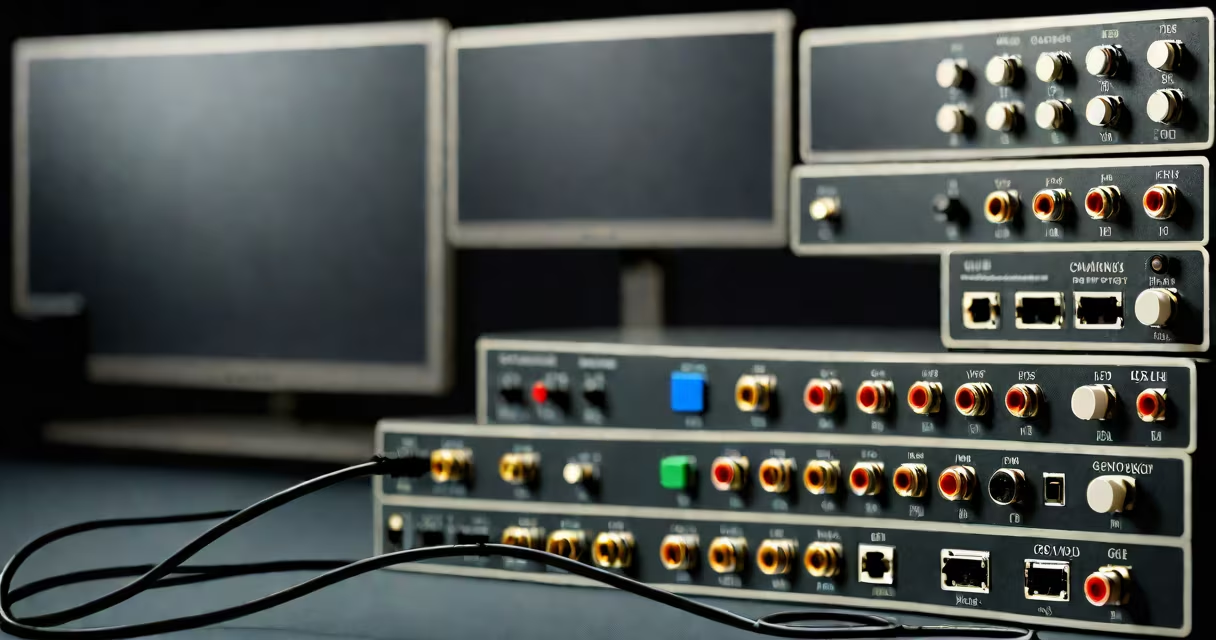
A multi monitor switch is a hardware device that allows multiple computers to share one or more displays, keyboards, and mice. These switches, often called KVM switches, route input and output signals between devices.
Multi monitor switches use electronic circuitry to route video signals from multiple computers to a single display. When you press a button or use software, the switch changes which computer controls the display. Most switches support USB, HDMI, DisplayPort, or DVI connections.
For example, a 2-port KVM switch lets you connect two computers to one monitor, keyboard, and mouse. Pressing a key on the keyboard or clicking a button on the switch changes the active computer.
Multi monitor switches come in different configurations based on ports and features:
| Type | Ports | Features |
|---|---|---|
| Basic KVM Switch | 2-4 ports | Supports one display, keyboard, and mouse |
| Dual/Quad Monitor KVM Switch | 2-4 ports | Supports multiple displays per computer |
| USB-C/KVM Switch | 2-4 ports | Supports modern USB-C connections |
These switches are popular in offices, IT environments, and home setups where space and cost savings matter. For example, a graphic designer might use one to toggle between a Mac for design work and a Windows PC for email and meetings.
IT professionals also use them in server rooms to manage multiple systems with a single monitor setup. Some advanced models even support audio switching, making them useful for conference rooms.
People often confuse multi monitor switches with display splitters. A splitter duplicates one screen across multiple displays, while a switch routes different computers to one display. For instance, a splitter might show your laptop screen on two monitors, whereas a switch lets you control two different computers from one monitor.
According to PCMag, KVM switches are ideal for multitasking between computers, while splitters are better for extending a single display.
When selecting a switch, consider the number of ports, supported resolutions, and connection types. For example, if you work with high-resolution graphics, choose a switch that supports 4K or higher. Also, check if it supports your preferred operating systems.
I once set up a 4-port KVM switch in an office to help employees share three monitors among five computers. The switch reduced clutter and improved workflow efficiency.