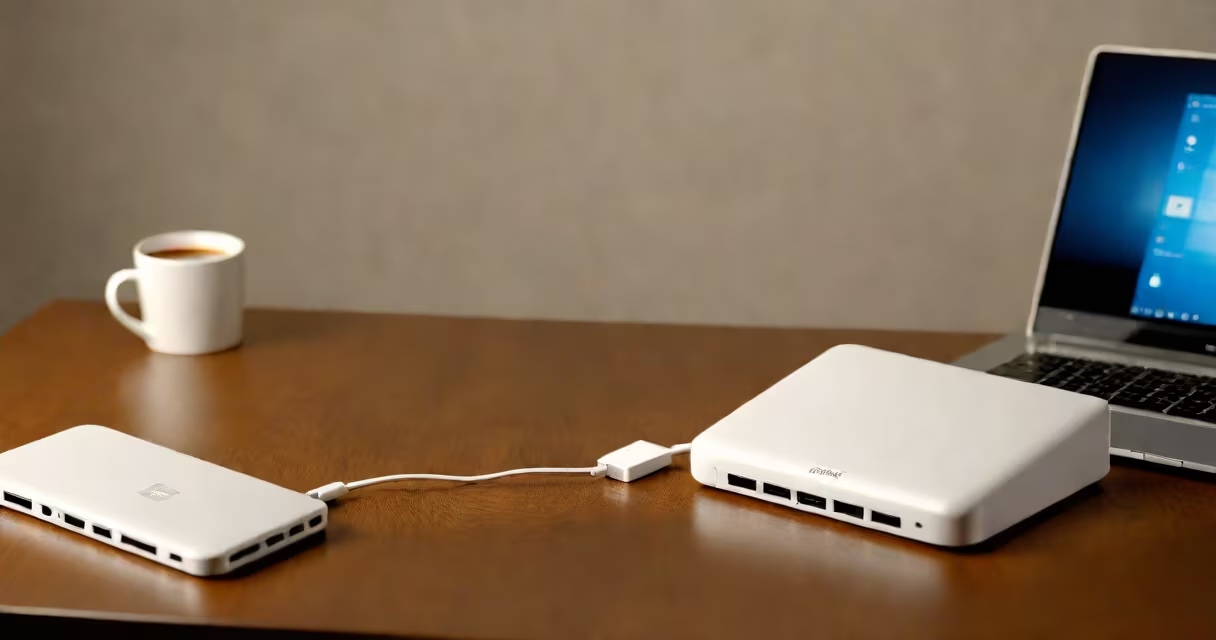
My Cloud WD is Western Digital's personal cloud storage system that lets users store, access, and share files remotely from a dedicated home server.
The device connects to your home network via Ethernet and acts as a network-attached storage (NAS) drive. Files stored on it are accessible through a web interface, mobile apps, or desktop software. Data transfers occur over your internet connection, allowing access from anywhere.
My Cloud WD offers several models with varying capacities:
| Model | Capacity | Key Feature |
|---|---|---|
| My Cloud | 2TB-6TB | Basic single-drive storage |
| My Cloud Mirror | 4TB-20TB | Raid 1 redundancy with two drives |
| My Cloud PR4100 | 16TB-40TB | Multi-bay enterprise-grade storage |
All models support automatic backups, media streaming, and remote access.
Most users deploy My Cloud WD for:
For example, a photographer might use it to store high-resolution images and edit them remotely using Lightroom Mobile.
Many people confuse My Cloud WD with traditional cloud services like Google Drive or Dropbox. Unlike those services, My Cloud WD stores data locally on your own hardware rather than on third-party servers. This provides greater control over data security and privacy but requires maintaining your own internet connection and power supply.
Another common mistake is assuming My Cloud WD is only for tech experts. While setup requires some technical knowledge, the interface aims to be user-friendly once configured.
Since My Cloud WD stores data on your local network, security depends on your home network's protection. Western Digital recommends:
According to Western Digital's security documentation, these measures help prevent unauthorized access to your stored files.
Another alternative is building a DIY NAS using open-source software like FreeNAS, which offers more customization but requires more technical expertise to set up and maintain.
First-time setup involves connecting the device to your router via Ethernet cable, then accessing the setup wizard through a web browser. The process guides users through configuring network settings, creating user accounts, and setting up automatic backups.
I helped a small business owner set up a My Cloud PR4100 to centralize their accounting files. After initial configuration, they appreciated being able to access financial records from both the office and home offices without needing to transfer files manually.
My Cloud WD provides a convenient way to create your own personal cloud storage system at home. By storing data locally, users gain more control over their files while enjoying remote access capabilities similar to commercial cloud services.