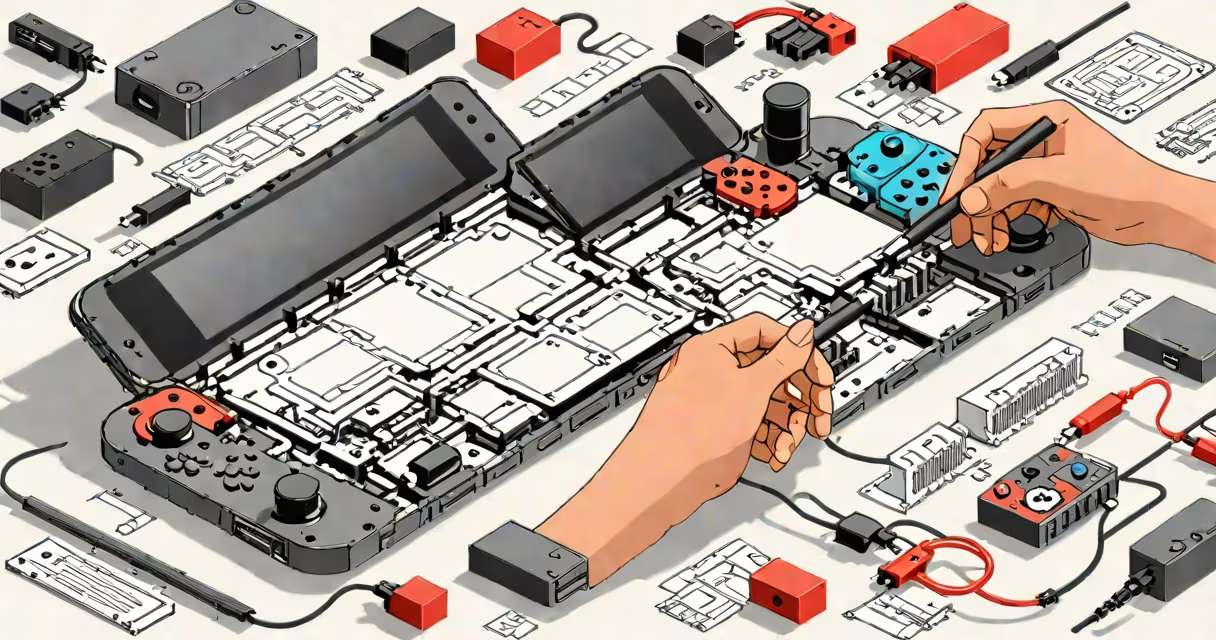
A Nintendo Switch battery not charging typically means the console isn't receiving power due to a faulty connection, damaged cable, or dock issue. To fix it, check the USB port, charging cable, and power source.
The Nintendo Switch uses a USB-C port for charging. When connected to a compatible power source, such as the official Nintendo Switch AC adapter, the battery should charge while the system is off or in sleep mode. If the battery level is critically low, the console may not turn on until it receives enough power.
Charging problems usually stem from one of these common causes:
Follow these steps to diagnose and fix the issue:
If none of these steps work, the issue may be hardware-related. In that case, contact Nintendo Support for further assistance.
Many users assume that leaving the Switch in sleep mode constantly drains the battery faster. However, the console aims to enter a low-power state when idle, minimizing battery drain. The real issue is often a faulty charging accessory rather than user behavior.
Another myth is that third-party charging accessories are always unsafe. While some cheap knockoffs can damage the Switch, many high-quality third-party cables and docks work fine. Always check for official certification when purchasing accessories.
If the Nintendo Switch battery still won't charge after trying all troubleshooting steps, the internal battery or charging circuit may be damaged. In this case, professional repair or replacement is necessary. Nintendo offers repair services for out-of-warranty consoles, though fees apply.
To extend the lifespan of the Nintendo Switch battery and avoid charging issues:
By following these best practices, you can minimize the risk of encountering a Nintendo Switch battery not charging in the future.