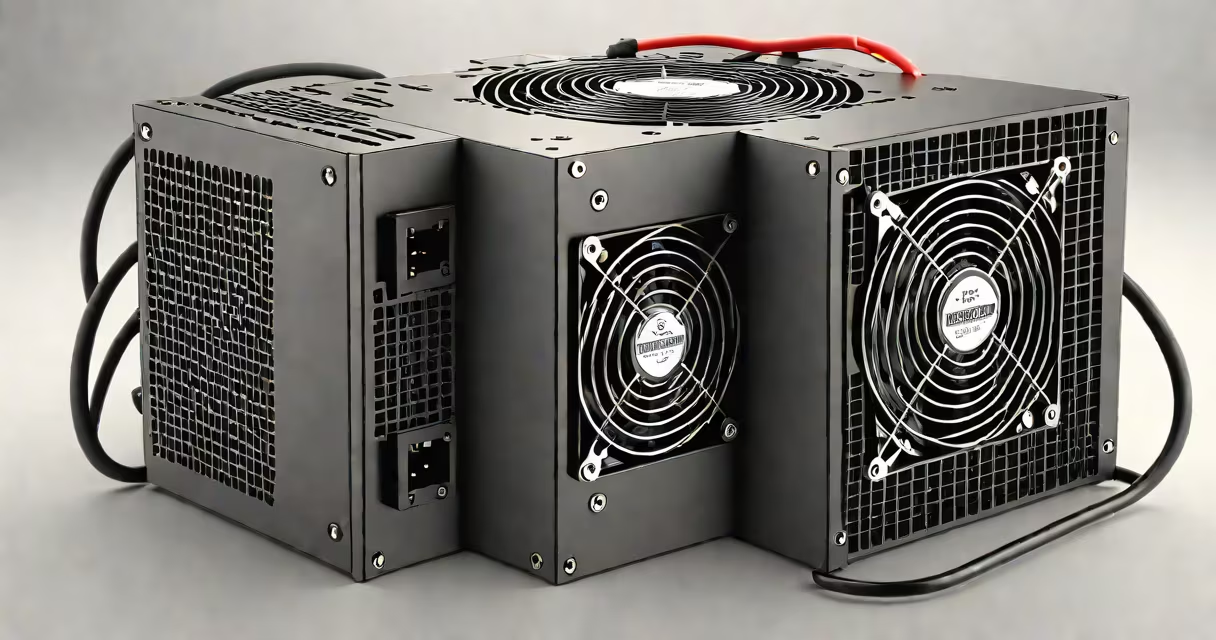
A PC part picker PSU is a tool that helps you select the right power supply unit (PSU) for your custom computer build by matching your components' power requirements.
The tool aggregates the power draw of all components (CPU, GPU, RAM, storage, etc.) and adds a buffer for efficiency losses and future upgrades. For example, a high-end gaming rig with an Intel Core i9 and NVIDIA RTX 4090 might require a 1000W PSU, while a basic office PC with an Intel Core i3 and integrated graphics could run on a 350W PSU.
| Type | Efficiency Rating | Modularity | Best For |
|---|---|---|---|
| Non-modular | 80 Plus (up to Platinum) | Fixed cables | Budget builds |
| Semi-modular | 80 Plus Bronze and above | Detachable cables for GPU and storage | Mid-range builds |
| Fully modular | 80 Plus Gold and above | All cables detachable | High-end builds and clean cable management |
Most PSUs today carry an 80 Plus certification, indicating they operate at 80% efficiency or higher at different loads. The highest efficiency ratings are Titanium (90%+), Platinum (92%+), and Gold (90%).
Many users assume a higher-wattage PSU is always better, but this ignores efficiency. A 650W PSU running at 90% efficiency under load delivers 585W, while a 550W PSU at 85% efficiency delivers 468W. The latter may struggle with power-hungry components.
Another mistake is overlooking modularity. Non-modular PSUs have fixed cables, which can clutter your case and make installation difficult. Semi-modular and fully modular PSUs offer flexibility, with the latter allowing you to connect only the cables you need.
When I built my last gaming PC, I initially selected a 750W non-modular PSU. After running the PC part picker PSU tool, I realized my high-end GPU required at least 850W. I upgraded to a fully modular 850W PSU with an 80 Plus Gold rating, which improved efficiency and made cable management much easier.
Using a PC part picker PSU ensures you choose the right power supply for your build, balancing cost, efficiency, and performance. Always double-check your component requirements and consider future upgrades when selecting a PSU.