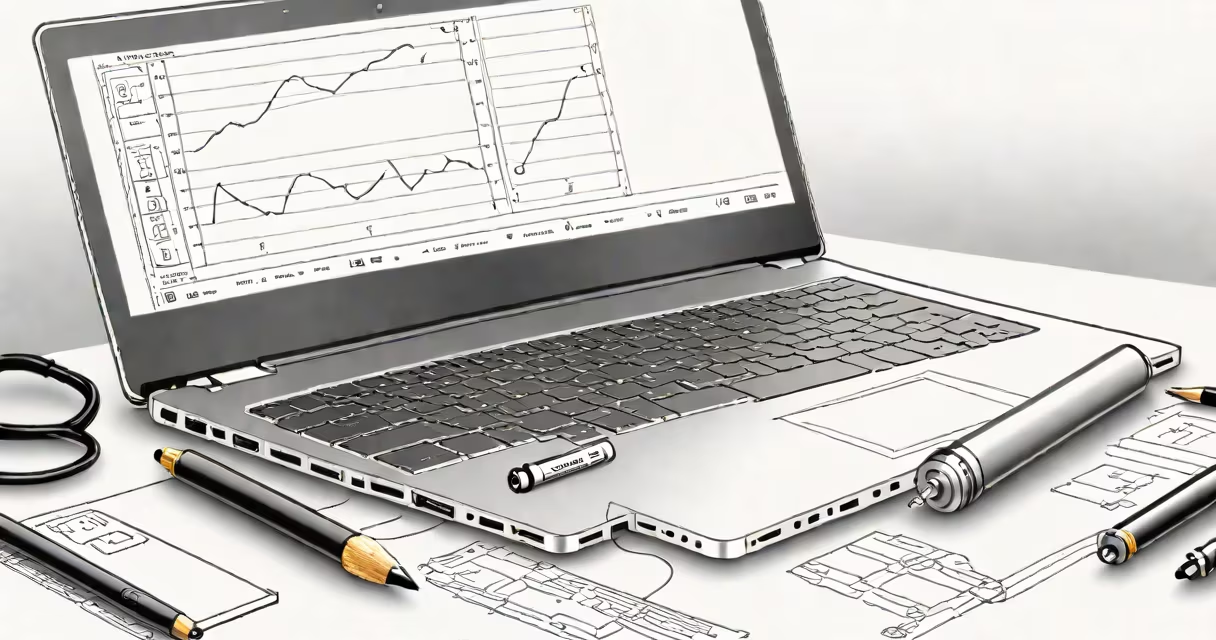
A **pc battery checker** is software or hardware that tests your laptop's battery health, reports its condition, and predicts remaining lifespan. These tools measure voltage, charge cycles, and capacity to identify degradation early.
Most checkers use algorithms to analyze battery data stored in your laptop's **Basic Input/Output System (BIOS)** or **Unified Extensible Firmware Interface (UEFI)**. They compare current performance against manufacturer specs. Some tools discharge and recharge the battery to test real-world capacity.
| Type | Examples | Key Features |
|---|---|---|
| Built-in OS Tools | Windows Battery Report, macOS System Information | Free, basic diagnostics |
| Third-Party Software | BatteryCare, HWMonitor, Cocorenet Battery Eater | Advanced metrics, custom alerts |
| Hardware Testers | Amperes, Poweradd Pilot | Portable, works without a PC |
Laptop batteries degrade over time, losing capacity even if unused (a phenomenon called **calendar aging**). A checker helps you:
Many users confuse **battery checkers** with **calibration tools**. Calibration resets the battery gauge by fully discharging and recharging, while checkers diagnose health. Neither repairs damaged cells.
Another myth is that frequent checks drain the battery. Modern checkers read data passively from the BIOS/UEFI, causing negligible drain.
To generate a Windows Battery Report:
powercfg /batteryreport /output C:\battery_report.htmlThe report includes design capacity, full charge capacity, and usage history. For third-party tools, follow their specific instructions.
I once ignored my laptop's battery warnings until it died mid-presentation. Now, I run a checker monthly and keep my battery between 20% and 80% charge to slow degradation. The U.S. Department of Energy recommends storing laptops with a 50% charge if unused for long periods.