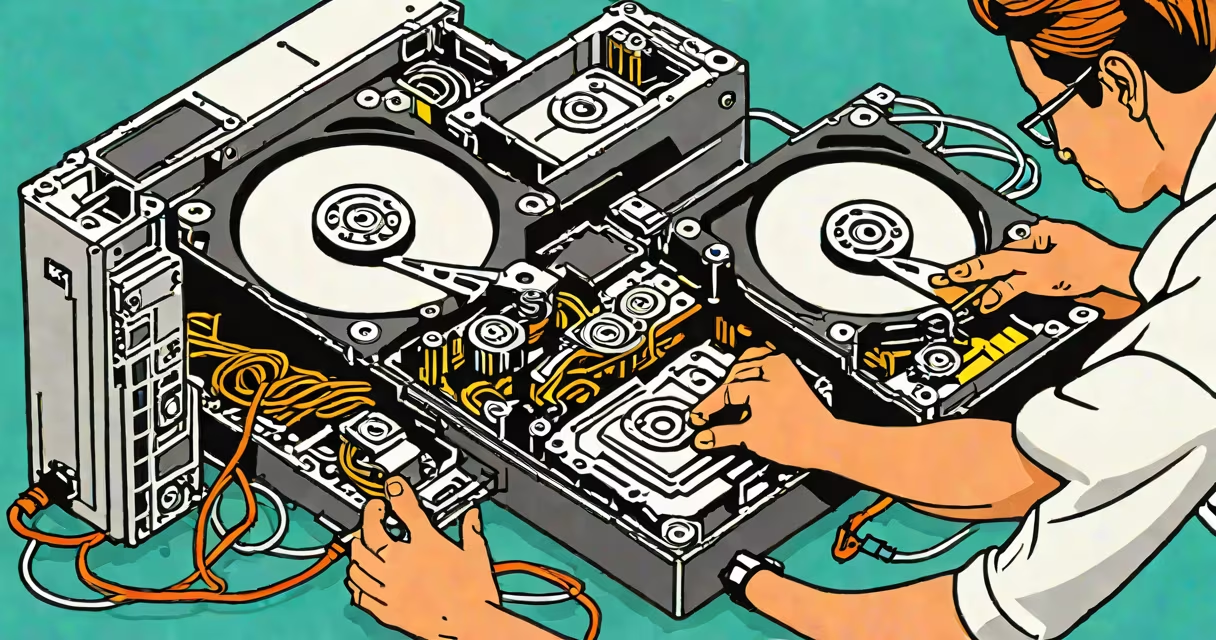
A dead hard drive is a storage device that fails to power on, spin up, or be recognized by a computer. To recover data off dead hard drive, you'll need specialized tools or professional services, depending on the failure type.
Data recovery from a dead hard drive involves diagnosing the failure, accessing the drive's components, and extracting data using software or hardware solutions. The process varies based on whether the failure is logical (software-related) or physical (hardware-related).
| Failure Type | Description | Recovery Method |
|---|---|---|
| Logical Failure | File system corruption, accidental deletion, or software issues | Software-based recovery tools |
| Mechanical Failure | Broken read/write heads, motor failure, or damaged platters | Professional data recovery services |
| Electrical Failure | Power supply issues or short circuits | Hardware repairs or professional services |
Data recovery is important when a hard drive fails unexpectedly, leading to data loss. Common causes include physical damage, power surges, overheating, or wear and tear. According to the Backblaze Hard Drive Failure Study, about 5% of drives fail annually, highlighting the importance of regular backups and recovery solutions.
One common mistake is assuming that a dead hard drive is always beyond repair. While some failures are irreversible, many can be fixed with the right tools and expertise. Another misconception is that DIY software tools can recover data from all types of dead drives. In reality, software tools are only effective for logical failures, not physical ones.
For example, if a drive's read/write heads are damaged, software tools won't help. Instead, the drive may need to be disassembled in a cleanroom environment to replace the faulty components. This level of repair is typically beyond the capabilities of most users and requires professional intervention.
Suppose your hard drive suddenly stops spinning, and your computer fails to recognize it. You try connecting it to another computer, but it still doesn't work. Here's how you can proceed:
In my experience, attempting to recover data from a dead hard drive without professional help can sometimes make the situation worse. For instance, I once tried to open a drive with mechanical failure, which led to further damage. Always assess the risk before attempting DIY recovery.
Recovering data off dead hard drive requires understanding the type of failure and choosing the appropriate recovery method. While DIY tools can help with logical failures, professional services are often necessary for physical damages. Regular backups and careful handling of hard drives can prevent data loss and make recovery easier if issues arise.