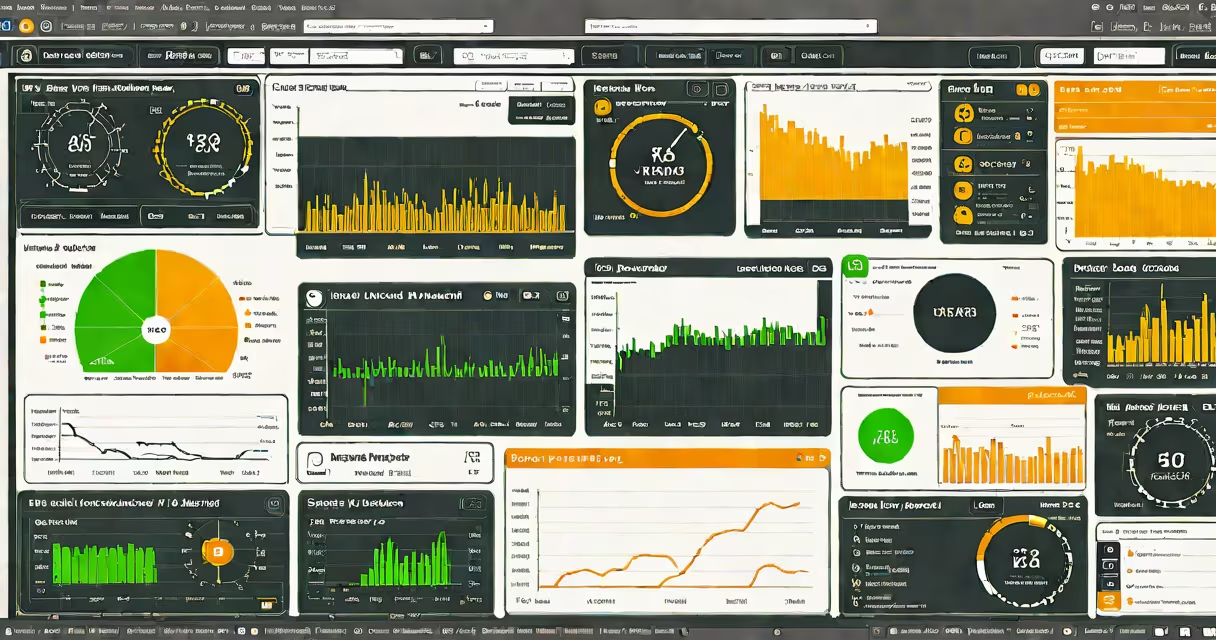
Remote access monitoring software lets IT teams view and manage devices, networks, and applications from any location using internet-connected computers. These tools combine remote access capabilities with monitoring features to provide centralized visibility and control over distributed IT environments.
These systems establish encrypted connections between local devices and remote administrators. They typically use lightweight agents installed on monitored endpoints, which collect system data and relay it to a central dashboard. When issues arise, administrators can remotely log in to investigate and resolve problems.
Remote access monitoring software consists of:
Organizations use remote access monitoring for:
| Scenario | Example |
|---|---|
| IT support | A help desk technician remotely diagnoses a printer issue at a branch office |
| Network security | Security team detects unusual traffic patterns and investigates potential breaches |
| Compliance monitoring | Regulated industries verify system configurations meet standards |
Effective solutions offer:
Contrary to popular belief, these tools aren't just for large enterprises. Small businesses with limited IT staff particularly benefit from the ability to monitor multiple locations from a single interface. Another common misunderstanding is that remote access monitoring replaces on-site technicians. In reality, it enhances their productivity by reducing travel time to remote locations.
When selecting remote access monitoring software, evaluate:
Most vendors offer free trials, allowing you to test functionality before committing to a purchase. The best solutions balance complete monitoring with ease of use, providing IT teams with the visibility they need while minimizing administrative overhead.