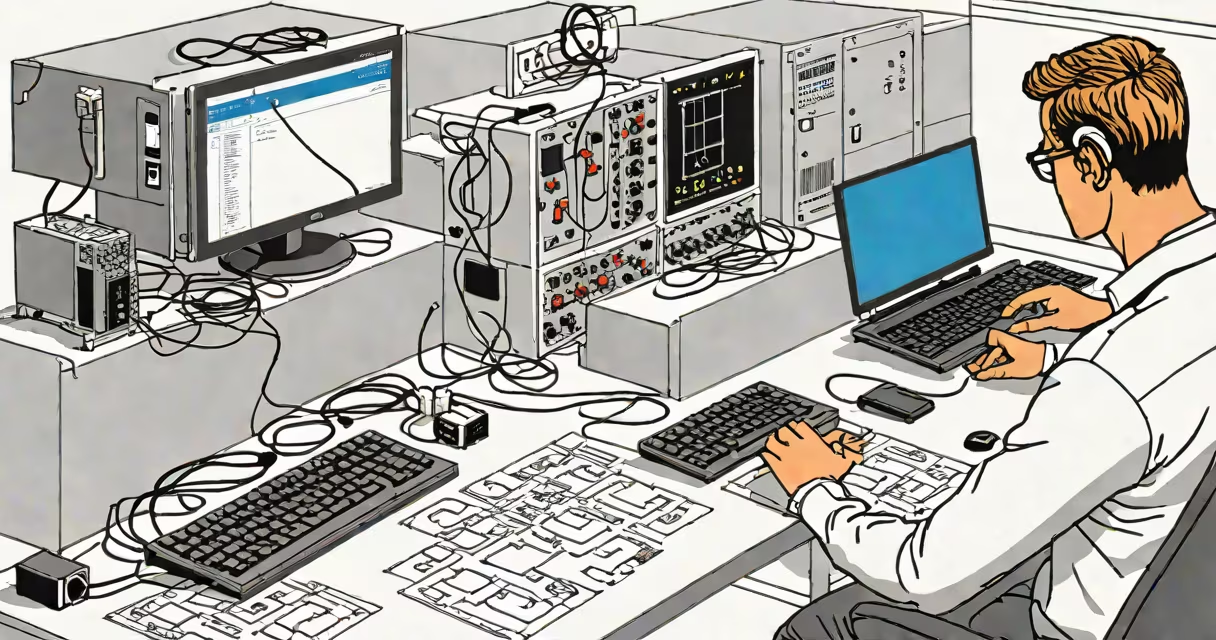
StartControl Remote Support is a secure remote access tool that allows IT professionals to connect to and control devices remotely, enabling efficient troubleshooting and support.
StartControl Remote Support establishes a secure connection between the IT professional's device and the end-user's device. Once connected, the IT professional can view the remote screen, transfer files, and perform troubleshooting tasks as if they were physically present. The software uses encryption to ensure that all data transmitted during the session remains private and secure.
The tool includes several key features designed to improve remote support:
StartControl Remote Support is widely used in various scenarios:
| Scenario | Description |
|---|---|
| IT Support | Quickly diagnose and fix technical issues on employee devices without physical access. |
| Help Desk Operations | Provide remote assistance to customers or internal employees, reducing response times. |
| Training and Onboarding | Guide new employees through software setup and usage via remote sessions. |
| System Maintenance | Perform routine maintenance tasks on servers or workstations without being on-site. |
Security is a critical aspect of remote support tools. StartControl Remote Support employs several measures to ensure secure connections:
Unlike generic remote access tools, StartControl Remote Support is designed specifically for IT professionals. It offers a balance of useful features and ease of use, making it a preferred choice for businesses of all sizes. According to a study by Gartner, remote support tools can reduce IT support costs by up to 30% by minimizing the need for on-site visits.
I've used StartControl Remote Support in my role as an IT consultant. The tool's ability to quickly connect to remote devices and resolve issues has improved our response times and customer satisfaction rates. The unattended access feature, in particular, has been a major change for maintaining servers without constant supervision.