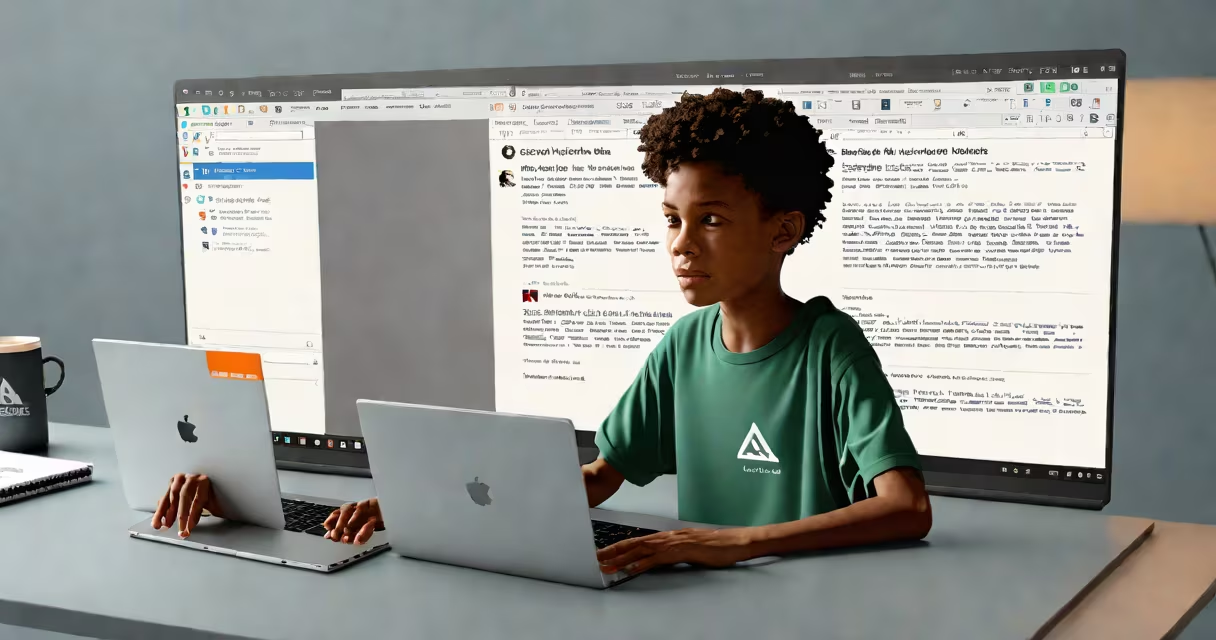
Text to speech software for students converts written text into spoken words, helping with reading comprehension and accessibility. This assistive technology reads digital text aloud, supporting learners with dyslexia, visual impairments, or language barriers.
Text to speech (TTS) software uses artificial intelligence and natural language processing to analyze text and generate human-like speech. The software synthesizes speech by breaking down text into phonemes, the smallest units of sound, and then reconstructing them into spoken words.
For example, a student with dyslexia can use TTS software to listen to their assignments while following along with the text. This dual-processing method enhances comprehension and retention. Many programs also allow users to adjust the speed, pitch, and voice to suit their preferences.
Most TTS programs offer features such as:
TTS software offers several benefits for students, particularly those with learning disabilities or language barriers. According to a study by the National Institute of Child Health and Human Development, students who use TTS software show improved reading fluency and comprehension.
For instance, a student struggling with reading can use TTS software to listen to their textbooks, reducing frustration and increasing engagement., TTS software can help students with ADHD by providing auditory input that complements visual learning.
Some people believe that TTS software is only for students with disabilities. However, TTS software benefits all students by improving reading speed, comprehension, and multitasking abilities. For example, a student can listen to their notes while commuting, making better use of their time.
Another misconception is that TTS software replaces traditional reading methods. In reality, TTS software complements reading by providing an additional learning channel. Students can read along with the software, reinforcing their understanding of the material.
While text to speech software converts written text into speech, dictation software, also known as speech to text software, converts spoken words into written text. Both tools improve productivity and accessibility but serve different purposes.
For example, a student can use dictation software to transcribe lecture notes quickly. Conversely, they can use TTS software to listen to their notes later, reinforcing their learning. Understanding the difference between these tools helps students choose the right software for their needs.