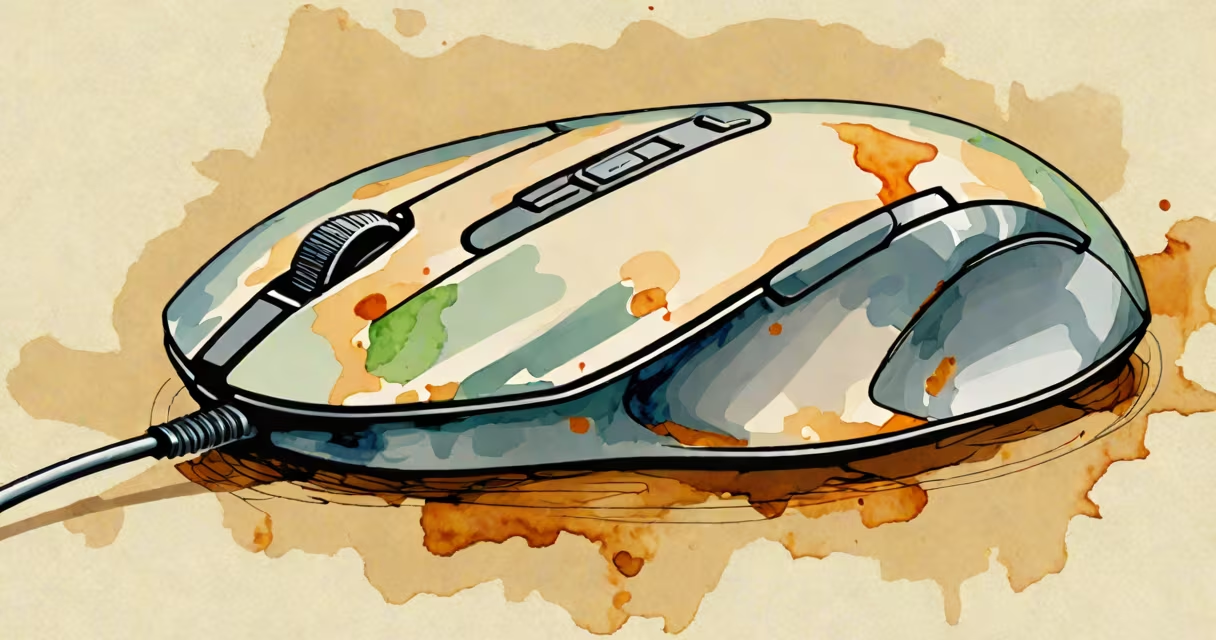
A thumb trackball mouse is an input device that uses a ball to move the cursor, controlled primarily by the thumb rather than the entire hand. Unlike traditional mice, it replaces the scroll wheel with a trackball, allowing for precise movements in confined spaces.
The trackball sits in a central position, often near the thumb. Rolling the ball moves the cursor on-screen. Buttons for left and right clicks are typically placed above or below the trackball. Some models include additional buttons for forward/back navigation or custom functions.
| Type | Key Features | Use Case |
|---|---|---|
| Compact Trackball | Small form factor, minimal buttons | Limited desk space, one-handed use |
| Full-Featured Trackball | Multiple buttons, programmable functions | Office work, gaming, accessibility needs |
| Vertical Trackball | Ergonomic design, wrist support | Reducing wrist strain, long work sessions |
Thumb trackball mice are popular among professionals who need precise cursor control, such as graphic designers and CAD users. They're also favored by individuals with limited mobility or those who experience wrist strain from traditional mice. The compact size makes them ideal for small desks or laptop use.
Many people assume trackball mice are only for niche users or those with disabilities. However, they offer benefits for anyone seeking ergonomic comfort or precise control. Another misconception is that trackball mice are difficult to learn. While there's a brief adjustment period, most users adapt quickly.
I tested a thumb trackball mouse during a long work project and found it reduced my wrist fatigue compared to a traditional mouse. The learning curve was minimal, and within a few hours, I was going through as efficiently as before.
A thumb trackball mouse is a versatile input device that provides precise control and ergonomic benefits. Whether for professional use, accessibility, or simply trying something new, it's a worthwhile alternative to traditional mice.