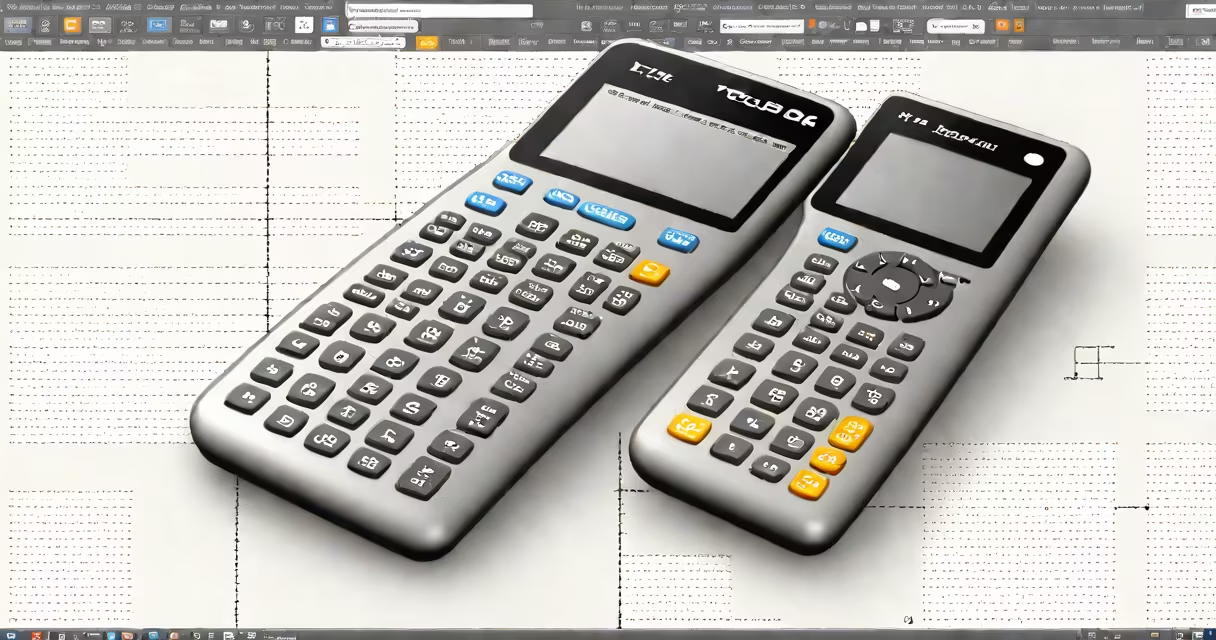
A TI-84 graphing calculator online is a web-based emulator of the popular Texas Instruments TI-84 model, allowing users to perform graphing and computational tasks in a browser. These emulators replicate the hardware's functionality, including equation solving, statistical analysis, and graph plotting.
The TI-84 is widely used in high school and college mathematics, particularly for algebra, trigonometry, calculus, and statistics. Its online counterparts provide accessibility for students who don't have physical access to the device.
Online TI-84 emulators simulate the calculator's hardware using JavaScript and other web technologies. They load a virtual version of the calculator's operating system, allowing users to interact with it via keyboard and mouse inputs. Most emulators support basic operations like graphing, solving equations, and performing statistical calculations.
For example, to plot a function like y = sin(x), you'd enter the equation into the emulator's input field, set the viewing window, and press the graph button. The emulator then renders the graph on screen, just like the physical calculator would.
| Type | Features | Best For |
|---|---|---|
| Basic Emulator | Supports fundamental graphing and computation | Simple calculations and quick graphs |
| Advanced Emulator | Includes programming capabilities and additional functions | Complex problem-solving and coding practice |
| Cloud-Based | Saves work to cloud storage | Collaborative projects and remote learning |
Students and educators primarily use online TI-84 calculators for homework, exams, and classroom demonstrations. They're also useful for standardized tests like the SAT and ACT, where graphing calculators are often required.
While online TI-84 calculators are convenient, they may lack some features of the physical device, such as certain programming functions or connectivity options., some standardized tests prohibit the use of online calculators, requiring students to bring their own hardware.
I've used online TI-84 emulators for years while tutoring students. They're invaluable for demonstrating concepts remotely, though I always recommend students verify their work with a physical calculator when possible.