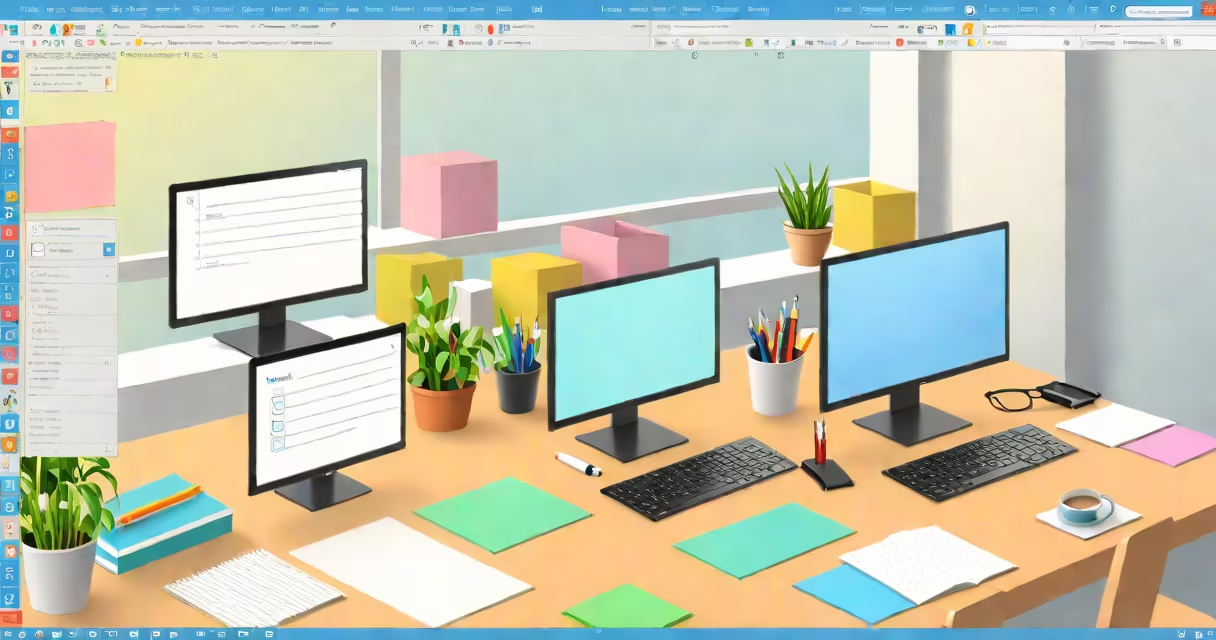
Transparent notes for Windows are digital sticky notes that overlay your screen, allowing you to view them while working on other applications. These notes are semi-transparent, meaning you can see through them to the content beneath.
These notes typically run as a small application or extension that stays on top of other windows. They often include basic features like text input, color customization, and positioning controls. Some advanced versions allow for rich text formatting, images, and even hyperlinks.
| Type | Features | Use Case |
|---|---|---|
| Basic Sticky Notes | Text input, color options, simple positioning | Quick reminders, to-do lists |
| Advanced Notes | Rich text, images, hyperlinks, multiple pages | Project management, detailed instructions |
| Interactive Notes | Checkboxes, timers, calculators | Task tracking, time management |
Transparent notes are useful for keeping important information visible without cluttering your workspace. For example, a developer might overlay a note with a snippet of code while working in an IDE, or a designer might keep color codes visible while working in Photoshop. They're also great for quick reminders, such as upcoming deadlines or passwords.
Some people confuse transparent notes with simple sticky notes or digital notepads. While all serve as reminders, transparent notes offer the unique advantage of staying visible on top of other applications, making them ideal for multitasking. Unlike traditional sticky notes, they don't take up physical space and can be easily moved or resized.
Imagine you're working on a project with multiple deadlines. You can create a transparent note with a checklist of tasks and their due dates. Position this note in the corner of your screen so it's always visible. As you complete each task, you can check it off, ensuring you stay on track without switching between applications.
I've used transparent notes extensively while managing multiple projects. The ability to keep important information visible at all times has improved my productivity and reduced the need to constantly switch between applications.
Transparent notes for Windows provide a convenient way to keep important information visible while working on other tasks. Their versatility makes them suitable for many applications, from quick reminders to complex project management.