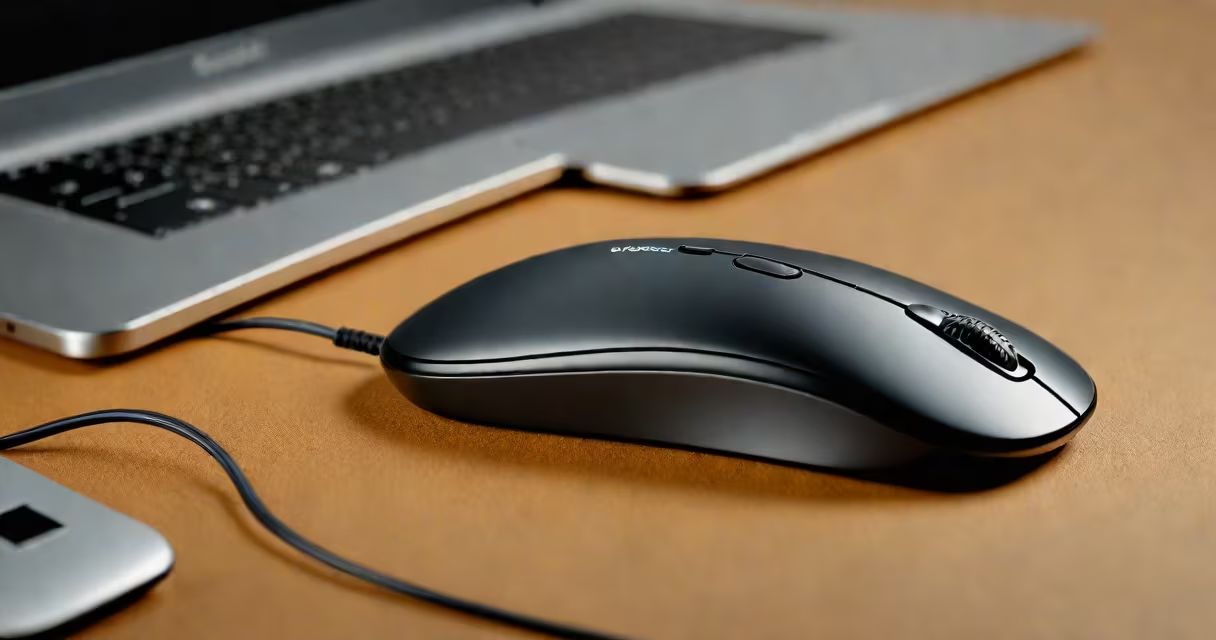
A Logitech wireless mouse stops working due to battery depletion, interference, or receiver issues. Follow these steps to diagnose and fix common problems.
Most issues fall into three categories:
I once had a Logitech G-series mouse that would randomly freeze during gameplay. The issue turned out to be a loose USB receiver connection - a simple readjustment fixed it.
Replace or recharge batteries if the mouse moves sluggishly or stops completely. Some models show battery status via LED indicators.
Ensure the Unifying Receiver is properly plugged into a USB port. Try different ports if needed. For newer models, check Bluetooth pairing status.
Use compressed air to remove dust from sensors and scroll wheels. Wipe surfaces with isopropyl alcohol on a microfiber cloth.
Move away from wireless routers, microwaves, or other electronic devices that may cause signal interference. Keep the receiver within 3 feet of the mouse.
Download the latest drivers from Logitech Support. Outdated drivers often cause performance issues.
Some optical mice don't work well on transparent or reflective surfaces. Try different surfaces to see if tracking improves.
Consider replacing your mouse if: