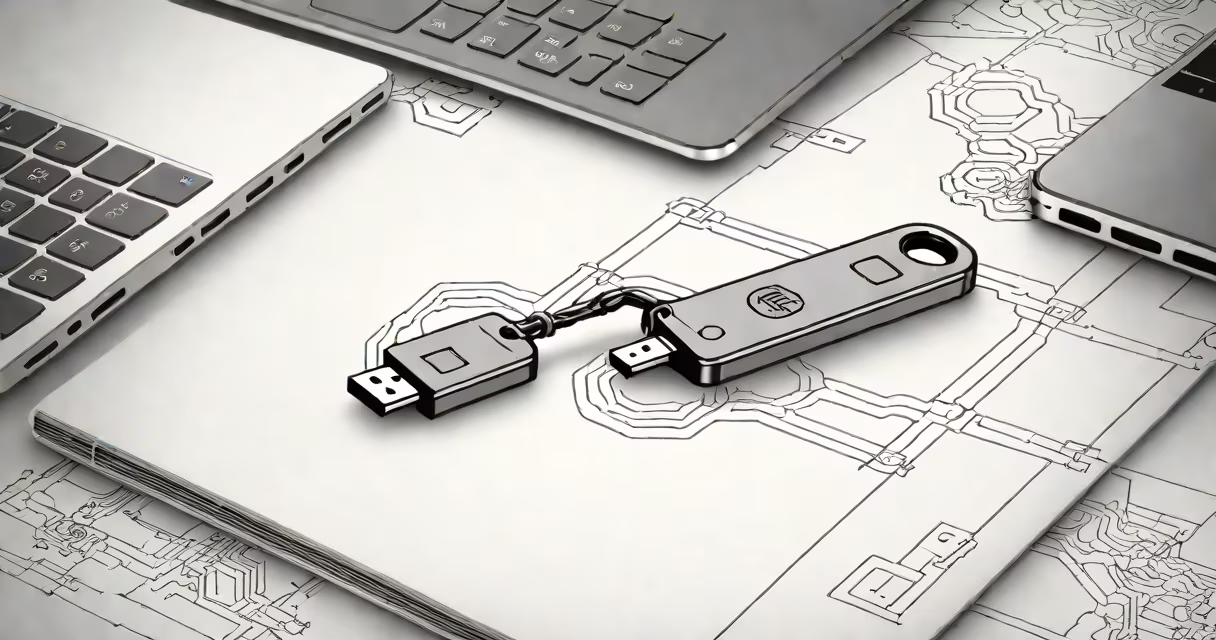
A universal 2nd factor (U2F) security key is a small hardware device that adds an extra layer of protection to online accounts by requiring physical verification during login attempts. These keys work with the FIDO Universal 2nd Factor (U2F) standard, providing a secure, phishing-resistant method of authentication.
U2F security keys generate cryptographic signatures in response to login challenges from websites. When you log in to a service that supports U2F, the website sends a challenge to your key. The key signs this challenge using a private key stored on the device, creating a unique response that proves your identity without transmitting any sensitive information.
This process happens instantly and requires physical possession of the key. Even if an attacker obtains your username and password, they cannot access your account without the physical key.
| Type | Connection Method | Examples |
|---|---|---|
| USB-A | Plugs into standard USB ports | YubiKey 5 Nano, Google Titan Security Key |
| USB-C | Plugs into USB-C ports | YubiKey 5C, Feitian ePass |
| NFC | Wireless communication with NFC-enabled devices | YubiKey 5 NFC, SoloKey |
| Bluetooth | Wireless communication with Bluetooth-enabled devices | YubiKey 5Ci, OnlyKey |
U2F security keys are widely used to protect:
U2F stands out from other authentication methods because it is:
Unlike software-based two-factor authentication (like SMS codes or authenticator apps), U2F relies on cryptographic principles that are fundamentally more secure.
To use a U2F security key, you'll need to:
Most U2F keys are plug-and-play, requiring no additional software or drivers. Once registered, the key can be used immediately for secure authentication.
I first used a U2F key to secure my Google account. The setup process took less than five minutes, and the peace of mind knowing my account was protected from phishing attacks was immediate and tangible.