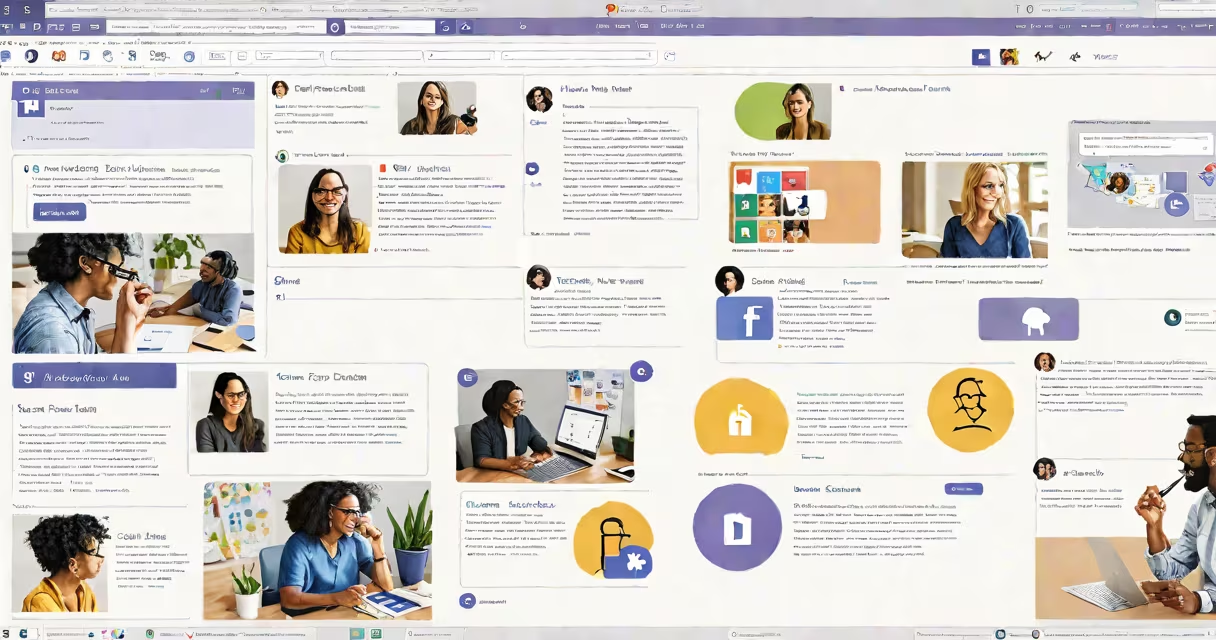
Microsoft Teams is a unified communication and collaboration platform that combines workplace chat, video conferencing, file storage, and application integration into a single hub. It's designed to simplify workflows and improve productivity for businesses of all sizes.
Teams operates as part of the Microsoft 365 set, integrating smoothly with other Microsoft products like Outlook, Word, Excel, and SharePoint. Users can create teams and channels to organize conversations by project, department, or topic. Within these channels, team members can exchange messages, share files, and collaborate in real time.
The platform offers several key features:
Microsoft Teams is widely used across various industries for different purposes:
In education, Teams facilitates virtual classrooms where teachers can assign tasks, conduct live lessons, and provide feedback. Businesses use it for remote work, project management, and internal communication. Nonprofits rely on Teams for coordinating volunteers and managing projects efficiently.
Many people confuse Teams with other collaboration tools like Slack or Zoom. While all these platforms offer similar functionalities, Teams stands out due to its deep integration with Microsoft 365. Unlike Slack, which focuses primarily on messaging, Teams provides a complete solution that includes video conferencing, file storage, and application integration. Compared to Zoom, Teams offers additional features like persistent chat channels and document collaboration.
For example, a marketing team might use Teams to create a channel for their ongoing campaign. They can share briefs, hold brainstorming sessions via video calls, and collaborate on creative assets stored in SharePoint. This integrated approach ensures all project-related activities are centralized, reducing the need to switch between multiple applications.
I've used Microsoft Teams extensively in my previous role at a tech startup. The ability to integrate with other Microsoft 365 apps reduced the time spent switching between different tools. The platform's solid security features also gave me peace of mind when handling sensitive client data.
Microsoft Teams is a useful tool designed to improve collaboration and productivity in the workplace. Its complete features make it a go-to solution for businesses looking to simplify their workflows and improve communication.