SPSS statistical software is a data analysis tool developed by IBM, designed for statistical analysis and data management. It provides an interactive, user-friendly interface for conducting complex statistical analyses without requiring programming expertise.
SPSS operates through a graphical user interface (GUI) that allows users to perform statistical analyses by selecting options from menus. The software handles data input, processing, and output generation, making it suitable for both beginners and advanced users. It supports various data formats, including Excel, CSV, and database files.
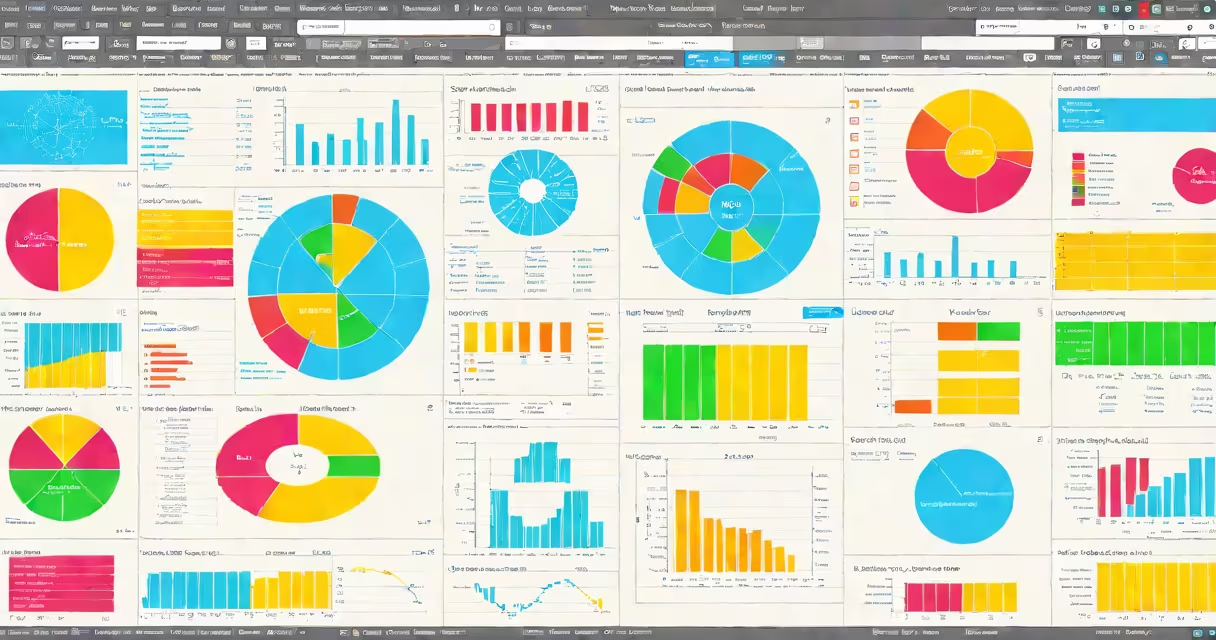
SPSS offers many statistical procedures, including descriptive statistics, regression analysis, factor analysis, and ANOVA. It also includes features for data transformation, recoding variables, and handling missing data. The software provides extensive charting and graphing capabilities to visualize data effectively.
SPSS is widely used in academic research, market research, health sciences, and social sciences. Researchers use it to analyze survey data, experimental results, and observational studies. Businesses employ SPSS for customer segmentation, forecasting, and performance analysis. The software's versatility makes it a valuable tool in various fields.
While SPSS is one of the most popular statistical software tools, it competes with other programs like R, SAS, and Stata. Unlike R and SAS, which require coding knowledge, SPSS provides a point-and-click interface, making it more accessible to users without programming skills. However, for highly specialized analyses, other software might offer more advanced features.
According to IBM, SPSS is trusted by over 2 million users worldwide, including universities, government agencies, and businesses. Its user-friendly interface and complete statistical capabilities make it a preferred choice for many researchers and analysts.
To begin using SPSS, users need to install the software on their computer. The installation process is straightforward, and IBM provides detailed instructions on their website. Once installed, users can start by entering their data or importing it from an external file. The software guides users through the analysis process with a series of dialog boxes and menus.