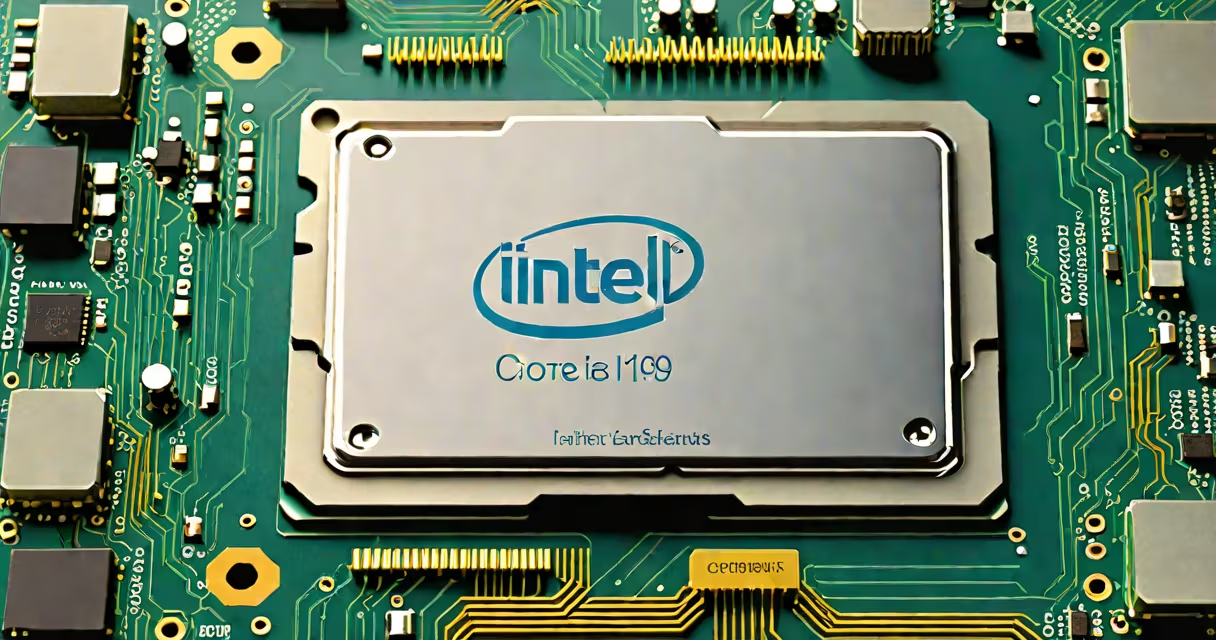
The fastest PC processor available in 2024 is the Intel Core i9-14900K, featuring 24 cores and 32 threads, with a maximum turbo frequency of 6.0 GHz. This chip leads in both gaming and productivity benchmarks.
Processor speed is determined by clock speed (measured in GHz), core count, and architecture efficiency. The Intel Core i9-14900K achieves its speed through a combination of high clock rates and advanced manufacturing processes. For instance, its P-cores handle demanding tasks, while E-cores manage lighter workloads efficiently.
High-performance processors fall into two main categories: desktop and mobile. Desktop processors prioritize raw power, while mobile versions balance performance with power efficiency. Below is a comparison of leading models:
| Processor | Cores/Threads | Base Clock (GHz) | Max Turbo (GHz) |
|---|---|---|---|
| Intel Core i9-14900K | 24/32 | 3.6 | 6.0 |
| AMD Ryzen 9 7950X | 16/32 | 4.5 | 5.7 |
| Intel Core i7-14700K | 20/28 | 3.4 | 5.6 |
Processor speed directly impacts performance in tasks like video rendering, gaming, and multitasking. For example, the Intel Core i9-14900K scores over 3,000 points in the Cinebench R23 multi-core test, outperforming competitors by a significant margin. Gamers benefit from higher frame rates, while professionals see faster project completion times.
Many assume that more cores always mean better performance, but efficiency and architecture play important roles. For instance, the AMD Ryzen 9 7950X, with fewer cores than the Intel Core i9-14900K, still delivers competitive performance due to its optimized Zen 4 architecture., cooling solutions are often overlooked-high-performance chips require advanced cooling to maintain peak speeds.
When upgrading your PC, consider the specific demands of your applications. For gaming, focus on single-core performance and clock speeds. For productivity tasks like video editing, prioritize multi-core performance and thread count. Always pair your processor with a compatible motherboard and sufficient cooling to ensure optimal performance.