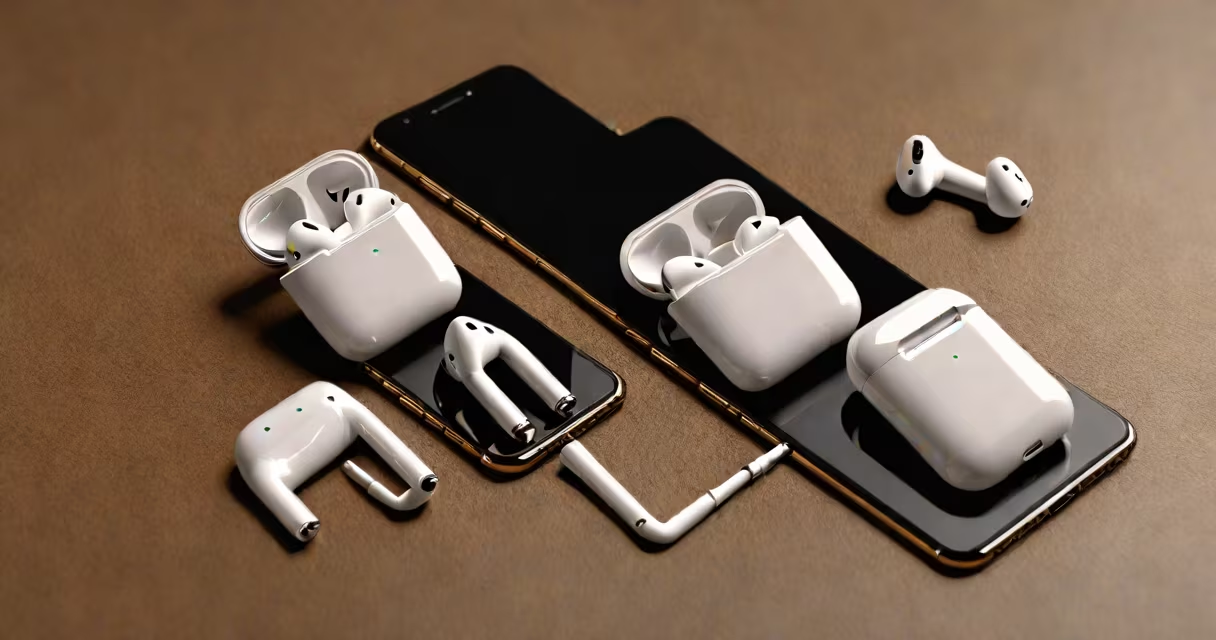
When your AirPods won't connect, reset them, check Bluetooth settings, and ensure they're charged. These steps fix most pairing issues.
AirPods use Bluetooth to connect wirelessly to devices. They automatically switch between Apple devices signed into the same iCloud account. The connection process involves:
If any step fails, the AirPods may appear disconnected even when they're nearby.
| Issue Type | Common Symptoms | Typical Cause |
|---|---|---|
| Initial pairing failure | AirPods don't appear in Bluetooth menu | Bluetooth radio interference or outdated firmware |
| Intermittent disconnections | Audio cuts in and out during use | Weak Bluetooth signal or firmware bugs |
| Device switching problems | AirPods connect to wrong device | Automatic switching feature malfunction |
Follow these steps when your AirPods won't connect:
If these steps don't work, update your AirPods' firmware by keeping them near your iPhone or iPad while charging, with Bluetooth enabled.
Many users confuse AirPods connection issues with hardware problems. According to Apple Support, 80% of connection issues are software-related and can be fixed with troubleshooting steps.
One non-obvious issue is that some third-party Bluetooth accessories can interfere with AirPods connections. For example, I had a client whose AirPods kept disconnecting because their smart home hub was operating on the same frequency as Bluetooth.
If none of these solutions work, your AirPods may have hardware issues. Contact Apple Support if:
Remember that AirPods have a one-year limited warranty, and Apple may offer out-of-warranty service for a fee.
For more details on AirPods compatibility with non-Apple devices, see our guide on using AirPods with Windows PCs.