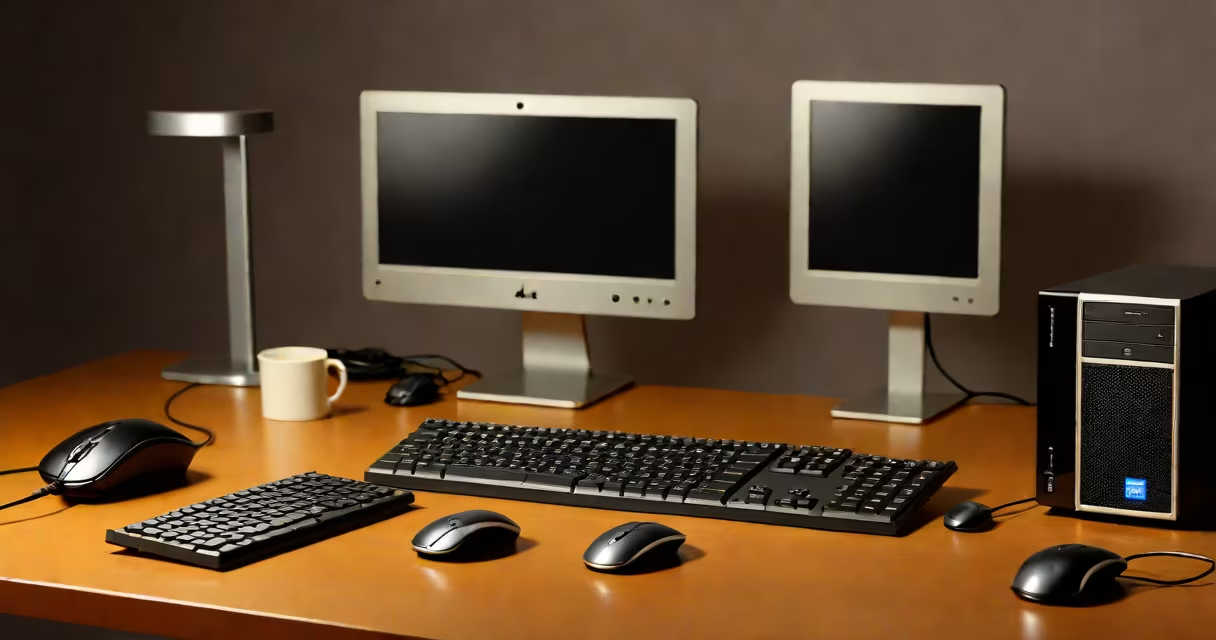
An old PC can be repurposed, sold, donated, or recycled instead of thrown away. These options extend its useful life while keeping e-waste out of landfills.
First, assess the PC's condition. Check its hardware specs, boot time, and performance running basic tasks. If it struggles with modern operating systems, consider lighter alternatives like Linux distributions. If it won't power on at all, recycling may be the only option.
Repurposing an old PC saves money and reduces waste. Here are six common ways:
If the PC still works but isn't useful to you, selling or donating it benefits others. Here's how:
| Option | Best For | Steps |
|---|---|---|
| Sell online | Working PCs with decent specs | List on eBay, Craigslist, or Facebook Marketplace. Include clear photos and specs. |
| Trade-in | Any working PC | Check retailers like Best Buy or Amazon for trade-in programs. They often offer store credit. |
| Donate | Functional PCs | Give to schools, libraries, or nonprofits like Goodwill or World Computer Exchange. |
| Recycle | Broken or non-working PCs | Find certified e-waste recyclers through Earth911 or Call2Recycle. |
Many people make mistakes when dealing with old PCs. Avoid these:
For non-working PCs, find a certified e-waste recycler. Many local governments and retailers offer drop-off points. Some manufacturers, like Dell and Apple, have take-back programs for their products.
For parts that can't be reused, find an e-waste recycler. Never throw electronics in the regular trash.