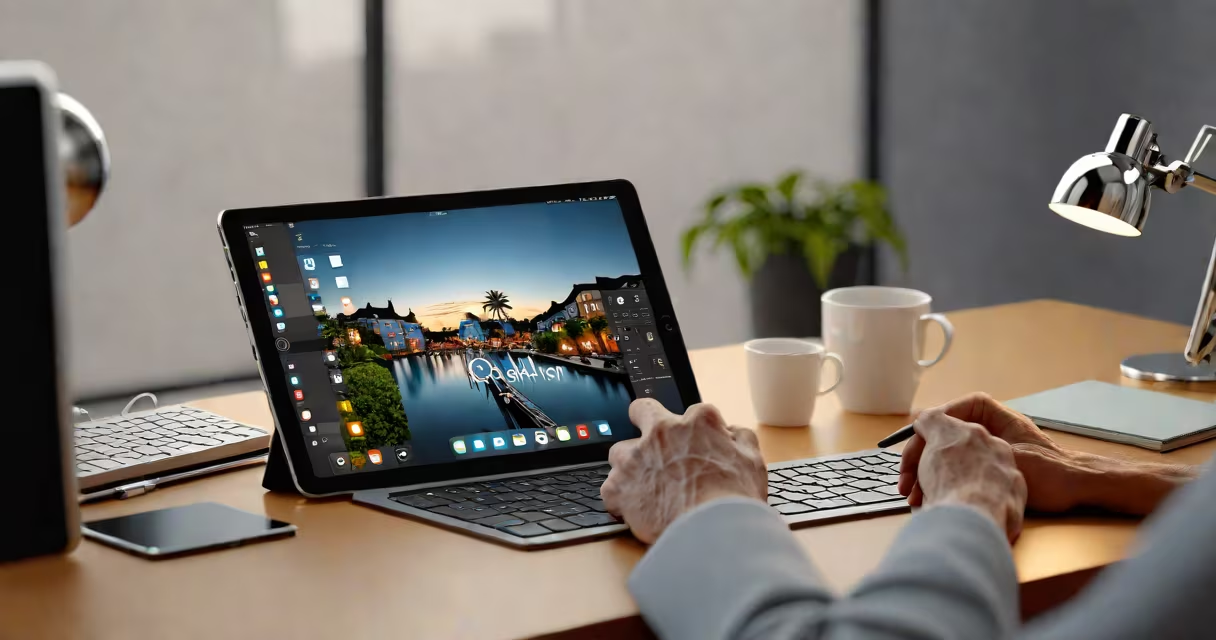
An iPad is a versatile tool for creative work, productivity, and entertainment. Its portability, touchscreen interface, and useful apps make it useful for tasks ranging editing, note-taking, and streaming media.
The iPad runs on Apple's iPadOS, a variant of iOS designed for tablets. It supports multitasking, allowing users to run multiple apps simultaneously. The device features an A-series or M-series chip, providing performance comparable to many laptops. Apple Pencil and Smart Keyboard compatibility improve its utility for creative and professional tasks.
| Category | Examples |
|---|---|
| Creative Work | Digital art, music production, video editing |
| Productivity | Note-taking, document editing, email management |
| Entertainment | Streaming movies, gaming, reading eBooks |
Professionals use iPads for on-the-go work, such as architects sketching designs with an Apple Pencil or journalists drafting articles in coffee shops. Students rely on them for note-taking and research, while artists use them for digital painting. Families enjoy streaming movies or playing games together.
A common misconception is that iPads are only for casual use. However, many industries adopt them for specialized tasks, such as medical professionals using them for patient records or teachers for interactive lessons. According to Apple, over 98% of Fortune 500 companies deploy iPads for business purposes.
Some users treat iPads as mere entertainment devices, overlooking their potential for productivity. Others assume they can replace high-end computers entirely, which isn't always the case for complex software tasks. Proper use involves using the right apps and accessories for specific needs.
For example, a graphic designer might use an iPad with Procreate for digital art but still rely on a Mac for final file exports and advanced editing. Understanding the strengths and limitations of the iPad helps maximize its usefulness.
I tested an iPad for remote work and found it particularly useful for note-taking during virtual meetings. The ability to quickly jot down ideas with the Apple Pencil and share notes via cloud services streamlined collaboration. However, for tasks requiring extensive keyboard use, pairing it with a Smart Keyboard improved efficiency.
For entertainment, streaming services like Netflix and Disney+ offer smooth experiences on the iPad's high-resolution display. Gaming also shines, with titles like Minecraft and Asphalt 9 performing smoothly.
An iPad serves many uses, from creative projects to professional work and entertainment. By choosing the right apps and accessories, users can tailor the device to their specific needs, making it a valuable tool in both personal and professional settings.