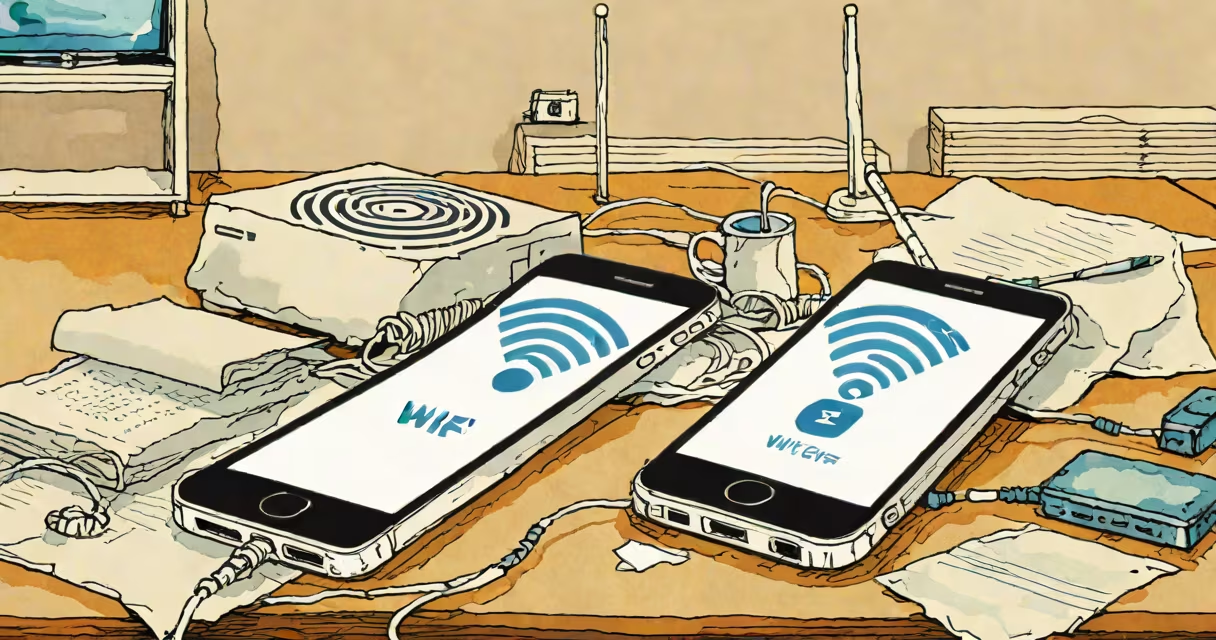
When your WiFi won't connect to your phone, it's usually due to outdated software, router issues, or network conflicts. Here's how to diagnose and fix the problem.
Your phone connects to WiFi using radio waves transmitted by a router. The router assigns an IP address to your device, allowing it to communicate with the internet. If any part of this process fails, your phone may struggle to connect.
WiFi connection issues often stem from one of these five causes:
Follow these steps to resolve WiFi connection issues on your phone:
Turn off your phone and router, then wait 30 seconds before powering them back on. This simple step often resolves temporary glitches.
Ensure your phone's operating system and the router's firmware are up to date. Outdated software can cause compatibility issues.
Go to your phone's WiFi settings, select the problematic network, and choose "Forget." Then reconnect by entering the password again.
On an iPhone, go to Settings > General > Reset > Reset Network Settings. On an Android, go through to Settings > System > Reset options > Reset Wi-Fi, mobile & Bluetooth. This erases saved networks and settings, which can resolve deeper issues.
Ensure your router is broadcasting the correct SSID and password. Some routers have settings that may block certain devices.
Many people assume that WiFi issues are always due to their phone. However, the router or network settings are often the real culprits. For example, if your Dell laptop won't connect to WiFi, the problem might be with the router rather than the device.
If none of these steps work, your router may need professional repair. Persistent issues could indicate hardware failure or deeper network problems that require expert diagnosis.