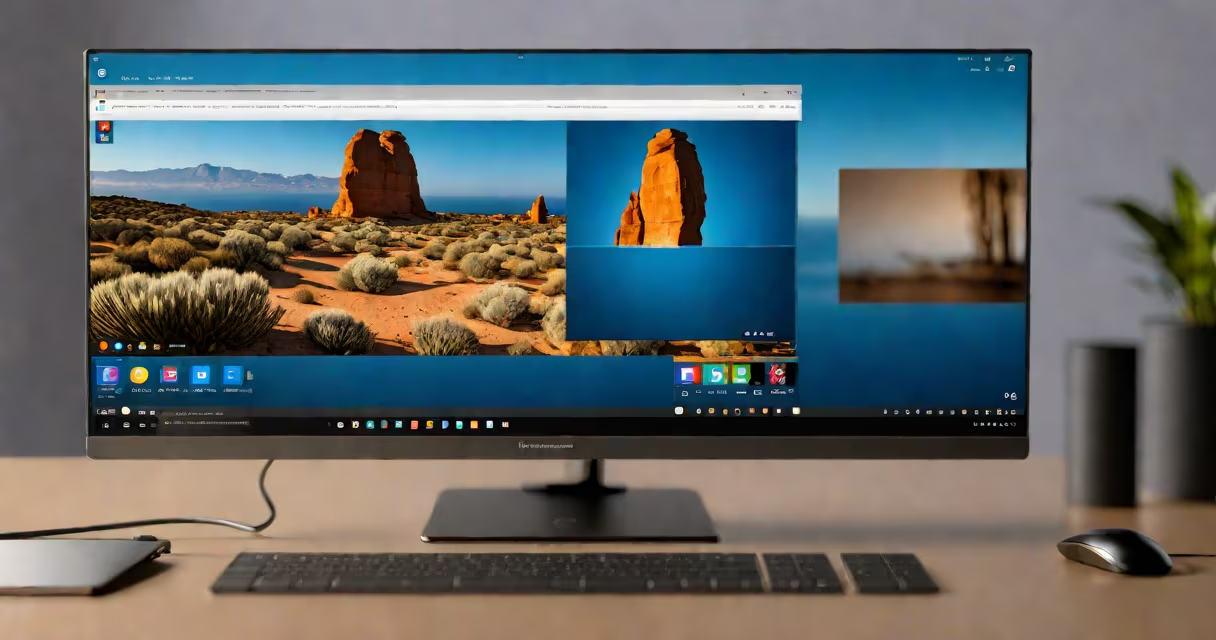
Windows 11 Pro includes built-in remote desktop features, allowing users to access their PC from another device using Remote Desktop Protocol (RDP). This tool enables secure remote work by transmitting keyboard, mouse, and display data over a network connection.
Remote Desktop Protocol creates a virtual connection between two devices. The local machine acts as the client, while the remote PC runs the host software. Data is encrypted during transmission, ensuring security. For example, a user working from home can control their office computer as if they were sitting in front of it.
| Type | Description | Best For |
|---|---|---|
| Remote Desktop Connection | Built-in Windows feature using RDP | Accessing your own PC from another device |
| Quick Assist | Microsoft support tool for helping others | Providing remote tech support |
| Third-party software | Tools like TeamViewer or AnyDesk | Cross-platform remote access |
First, ensure your Windows 11 version is activated (check activation status here). Open Settings > System > Remote Desktop and toggle the switch to enable it. Note your PC name and create a password for remote access. On the client device, open the Remote Desktop Connection app, enter the PC name, and log in with your credentials.
Many users confuse Remote Desktop Protocol with older versions of Remote Desktop. Unlike previous iterations, Windows 11's version supports multi-monitor setups and improved performance. Another myth is that RDP is insecure - in reality, it uses strong encryption to protect data during transmission.
I tested this setup by accessing my work computer from a home laptop. The connection was stable, and I experienced minimal latency during file transfers and application usage. The built-in features worked smoothly without requiring additional software installations.
While Windows 11 Pro's built-in remote desktop works well for most scenarios, third-party tools offer additional features. These might include cross-platform support (connecting to non-Windows devices), file transfer capabilities, or chat functions. Businesses with complex IT environments often use specialized remote access software for enhanced management and security features.
Windows 11 Pro remote desktop provides a useful solution for remote work and IT support. By understanding how to set it up and when to use alternative tools, users can maintain productivity from any location.