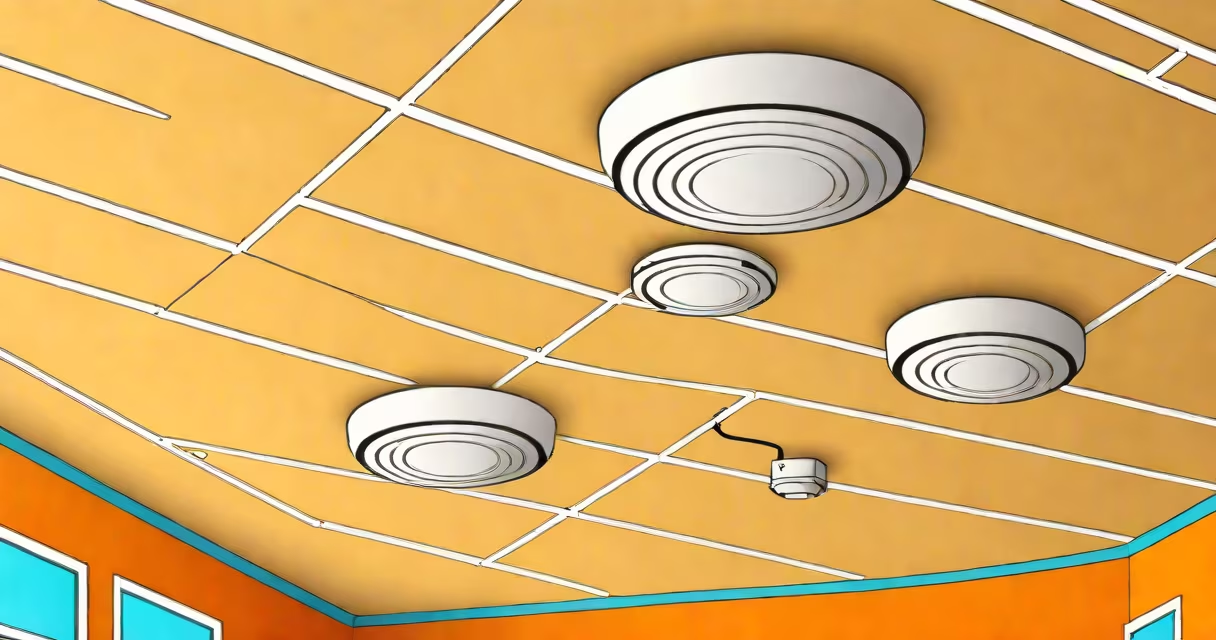
A wireless access point (AP) is a network device that enables Wi-Fi-enabled devices to connect to a wired network, extending wireless coverage beyond the limits of a router.
Wireless access points act as bridges between wired and wireless networks. They receive data from the wired network through an Ethernet cable and transmit it wirelessly to nearby devices. Conversely, they receive data from wireless devices and send it to the wired network.
Access points operate within specific frequency bands, typically 2.4 GHz or 5 GHz. The 2.4 GHz band offers better range but slower speeds, while the 5 GHz band provides faster speeds but shorter range. Modern access points often support both bands simultaneously.
| Type | Description | Use Case |
|---|---|---|
| Standalone APs | Independent devices managed individually | Small offices, homes |
| Controller-based APs | Managed centrally by a wireless controller | Enterprises, large organizations |
| Mesh APs | Work together to form a mesh network | Large areas, outdoor spaces |
Many enterprises use enterprise-grade wireless access points that offer advanced features like better security, higher capacity, and centralized management.
Wireless access points are commonly used in environments where wired connections are impractical or insufficient. This includes offices, schools, hospitals, and public spaces like airports and cafes. They provide flexibility and mobility to users while maintaining network performance.
One common misconception is that wireless access points are the same as routers. While both devices can create Wi-Fi networks, routers also manage network traffic and assign IP addresses, whereas access points simply extend wireless coverage. For more details, see our guide on how to configure a wireless access point.
Many people confuse wireless access points with routers or repeaters. Unlike routers, which create a new network and manage traffic, access points extend an existing network's wireless coverage. Repeaters, however, simply extend the range of an existing Wi-Fi signal without providing additional connectivity options.
Another misconception is that all wireless access points are the same. In reality, they come in various types and configurations, each suited for different environments and use cases. For instance, some access points are designed for outdoor use, while others are optimized for high-density indoor environments.
Google uses a combination of wireless access points and other network hardware to provide smooth Wi-Fi coverage across its campuses. These access points are part of a larger network infrastructure that includes switches, routers, and controllers. By strategically placing access points throughout their facilities, Google helps employees and visitors have reliable internet access wherever they are.
Wireless access points play a important role in extending Wi-Fi coverage and providing flexible network access. Understanding the different types and configurations available can help businesses and individuals choose the right solution for their needs.