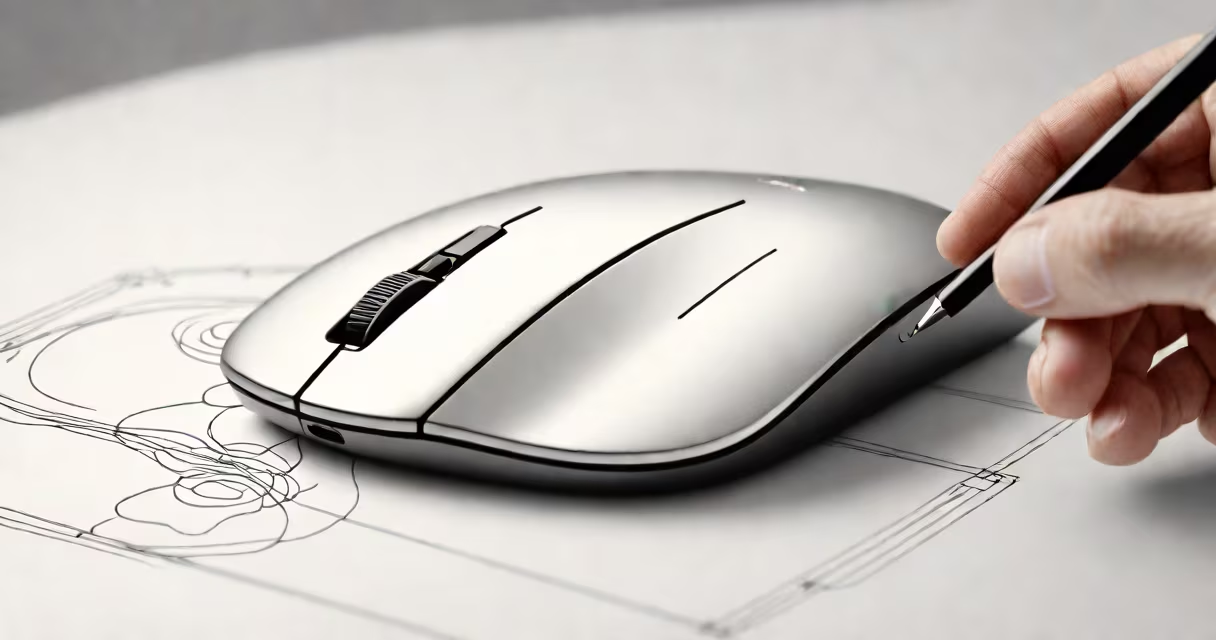
A wireless touch mouse is a computer pointing device that uses a touch-sensitive surface to detect finger movements instead of traditional buttons and scroll wheels. It connects to your computer via Bluetooth or a USB receiver, eliminating cords while offering gesture-based navigation.
The touch surface contains sensors that detect electrical changes caused by your finger movements. These sensors send signals to the mouse's processor, which translates them into cursor movements on your screen. Most models support multi-touch gestures, allowing you to swipe, pinch, and spread your fingers to perform various actions.
For example, a swipe left or right might go through between browser tabs, while pinching inward could zoom out. These gestures are customizable through software drivers, letting you assign specific functions to different motions.
| Type | Key Features | Best For |
|---|---|---|
| Standard Touch Mouse | Basic touch surface, limited gestures, compact size | Everyday computing, travel |
| Ergonomic Touch Mouse | Contoured shape, additional buttons, larger touch area | Long work sessions, users with hand fatigue |
| Large Wireless Mouse | Extra-large touch surface, adjustable DPI settings | Users needing more precision, graphic designers |
Wireless touch mice are popular among users who experience discomfort with traditional mice due to repetitive strain injuries. The lack of physical buttons reduces the need for precise finger movements, potentially lowering the risk of conditions like carpal tunnel syndrome.
They're also useful for presentations, allowing you to control slides with simple gestures from a distance. Some models even work on glass surfaces, making them versatile for different environments.
I tested a wireless touch mouse during a long workday and noticed less hand fatigue compared to my standard mouse. The ability to perform multiple actions with simple gestures also sped up my workflow for tasks like photo editing and web browsing.
Many people assume wireless touch mice lack precision, but modern models offer adjustable DPI settings similar to traditional mice. Some high-end models even include pressure sensitivity, making them suitable for graphic design work.
Another myth is that they require constant recalibration. While early models had this issue, current versions maintain consistent performance through adaptive algorithms that learn your usage patterns over time.