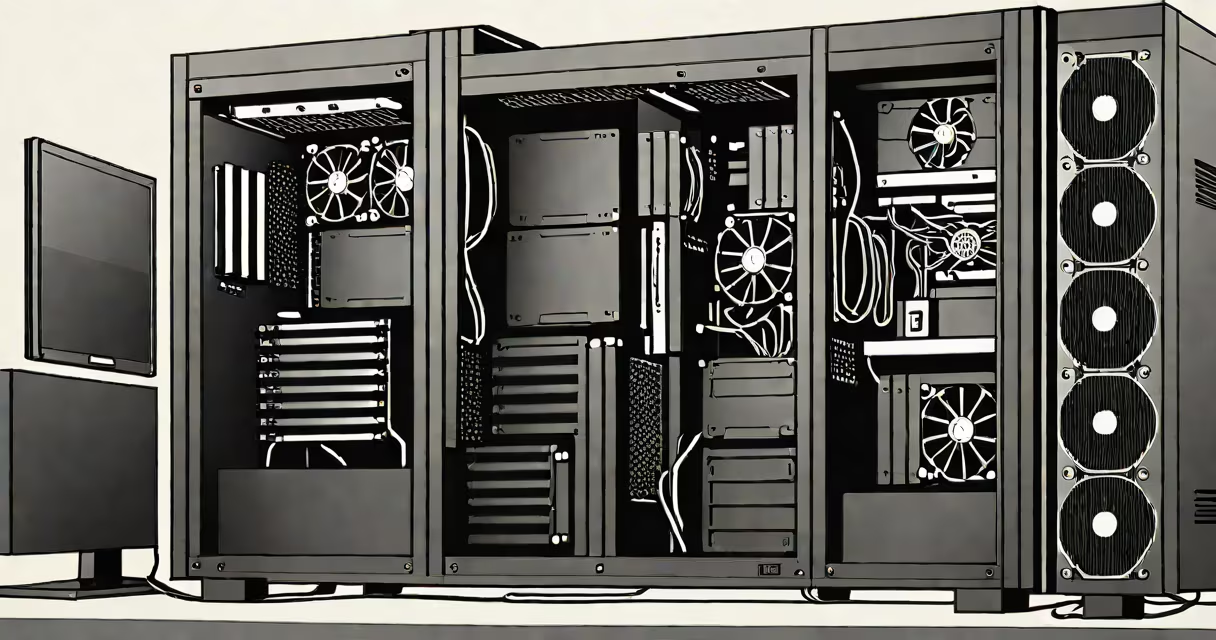
A workstation PC build is a custom high-performance desktop assembled for professional tasks like video editing, 3D rendering, or software development. Unlike gaming PCs, workstations prioritize stability, multitasking, and precision over raw speed.
Workstation PCs use components optimized for sustained workloads. For example, Intel Xeon or AMD Ryzen Threadripper CPUs handle more cores and threads than consumer-grade chips. NVIDIA Quadro or AMD Radeon Pro GPUs offer certified drivers for professional software, unlike gaming cards which may lack stability in applications like Autodesk Maya or Adobe Premiere Pro.
The core parts of a workstation PC build include:
| Type | Primary Use | Key Components |
|---|---|---|
| Video Editing Workstation | Editing 4K/8K video | High-core-count CPU, professional GPU, fast storage |
| 3D Rendering Workstation | Rendering complex 3D models | Multi-GPU setup, large RAM capacity, liquid cooling |
| CAD/CAM Workstation | Designing mechanical or architectural models | Precision-certified GPU, ergonomic peripherals |
| Software Development Workstation | Compiling code, running virtual machines | High-core CPU, ECC RAM, dual monitors |
Prebuilt workstations often come with proprietary parts that limit upgrades. A custom workstation PC build allows professionals to select components tailored to their specific needs. For instance, a video editor might prioritize a fast NVMe SSD for quick project access, while a 3D artist might focus on a high-end GPU for real-time rendering.
Assembling a workstation PC follows the same basic steps as building any desktop. However, workstations require extra attention to cooling, power supply wattage, and cable management due to their high component density. For a detailed guide, see our step-by-step instructions.
I've built several workstations for clients in architecture and film production. One common mistake is underestimating power requirements. A system with dual high-end GPUs and multiple storage drives can draw 800W or more under load. Always use a power supply rated for at least 10% more than your peak expected usage.
Professional applications often require specific drivers and software configurations. For example, NVIDIA's Quadro cards come with certified drivers for applications like SolidWorks or Adobe Substance Painter. Installing the wrong driver can cause instability or crashes during critical tasks.
Workstation operating systems like Windows 10 Pro for Workstations or Linux distributions with kernel support for professional GPUs are recommended. These OS versions include features like ReFS (Resilient File System) for data integrity and better support for multi-processor systems.
After assembly, run stress tests using tools like Prime95 for CPU testing or FurMark for GPU testing. Monitor temperatures with software like HWMonitor. For workflow optimization, adjust BIOS settings like enabling XMP profiles for RAM or disabling unnecessary onboard devices to reduce latency.