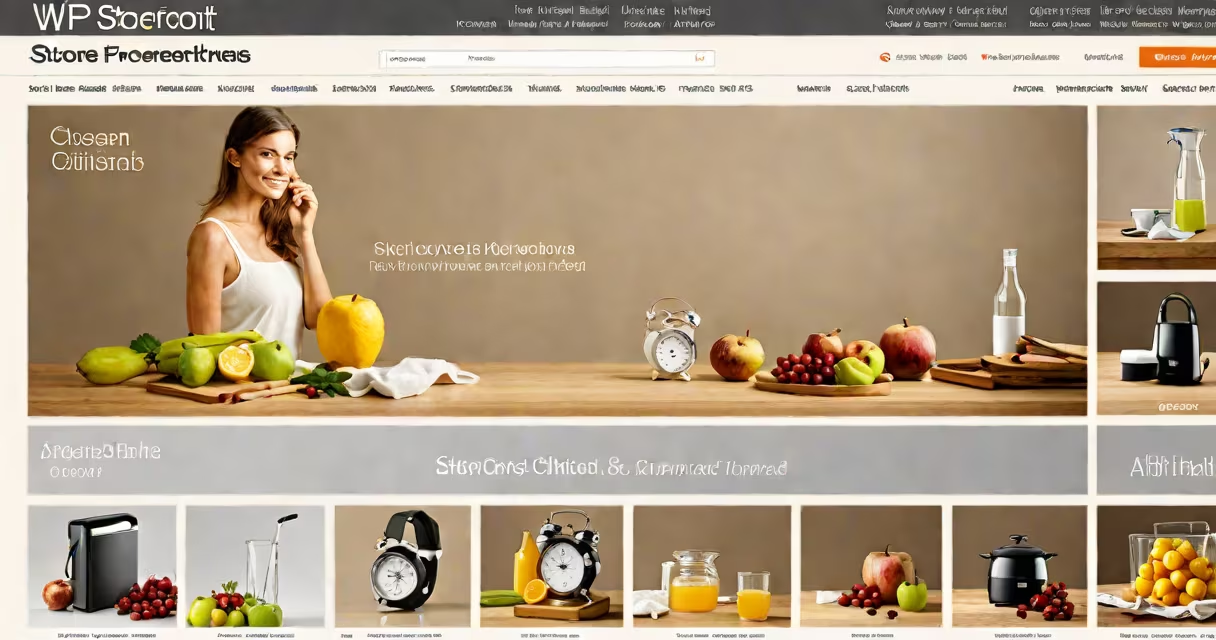
The wp Storefront theme is a free, minimalist WordPress theme designed for online stores that pairs with WooCommerce. It prioritizes speed, accessibility, and ease of customization.
Storefront is developed by WooCommerce creators Automattic. It serves as a parent theme, meaning users can create child themes for further customization without altering core files. The theme integrates smoothly with WooCommerce, ensuring all ecommerce features work out of the box.
Storefront uses a responsive grid system, making it adaptable to any screen size. Its lightweight codebase ensures fast loading times, important for both user experience and search engine rankings. The theme follows WordPress coding standards and is optimized for accessibility.
The theme includes several built-in features:
Storefront is popular among small to medium-sized businesses launching their first online store. Its simplicity makes it ideal for beginners, while its extensibility appeals to developers. The theme is often chosen for its reliability and compatibility with other WordPress plugins.
For example, a small business selling handmade crafts might use Storefront for its clean design that highlights products without distractions. The theme's integration with WooCommerce simplifies inventory management and checkout processes.
Some users confuse Storefront with being overly basic or lacking customization options. However, its modular approach allows extensive modifications through child themes and plugins. Unlike premium themes that may lock features behind paywalls, Storefront provides essential ecommerce tools for free.
To install Storefront, go to your WordPress dashboard, go through to Appearance > Themes, and click "Add New." Search for "Storefront," then click "Install" and "Activate." From there, customize the theme using the WordPress Customizer or by creating a child theme for advanced modifications.
The wp Storefront theme remains a top choice for WordPress-powered online stores due to its balance of simplicity and functionality. Its smooth integration with WooCommerce and extensive customization options make it suitable for many ecommerce needs.