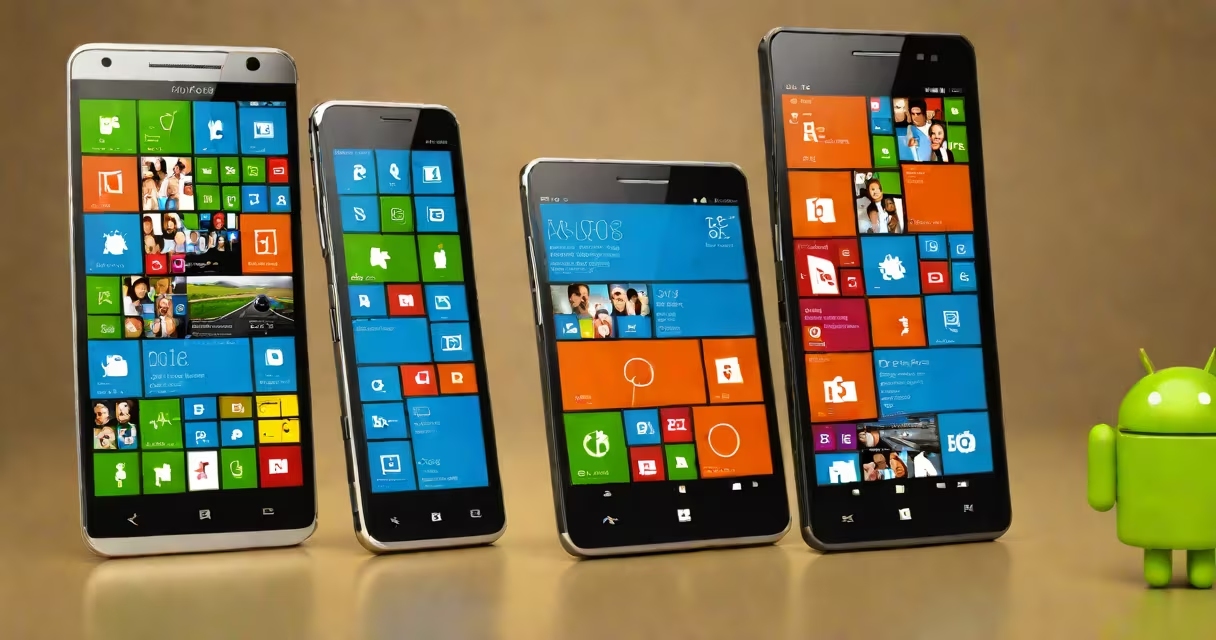
Android and Windows are two major operating systems, but they serve different devices and purposes. Android powers most smartphones and tablets, while Windows runs desktops, laptops, and some tablets. Both offer unique features tailored to their hardware.
Android is a mobile operating system based on Linux, designed primarily for touchscreen devices. It's open-source, meaning manufacturers can customize it for their hardware. Windows is a proprietary OS from Microsoft, optimized for traditional computing tasks on PCs.
Android versions are named after sweets (e.g., Android 13 "Tiramisu") and are developed by Google. Windows versions are numbered (e.g., Windows 10, Windows 11) and focus on PC compatibility. Android updates are slower due to manufacturer fragmentation, while Windows updates are more consistent across devices.
Android dominates the global smartphone market with a 70% share, while Windows holds about 75% of the desktop OS market. Android excels in mobility, app variety, and customization. Windows leads in productivity software, gaming, and business applications.
For example, Android's split-screen feature allows multitasking on phones, while Windows' virtual desktops enable multiple workspaces on PCs. Android apps are generally more lightweight, whereas Windows programs often require more resources.
Many assume Android is inferior because it's free, but its open nature fosters innovation. Windows is often seen as outdated, yet it remains the standard for professional work. Neither is universally better-they excel in different areas.
I once helped a user switch on a tablet. They struggled with the lack of touch-optimized apps but appreciated the familiarity of Windows software for work.
| Feature | Android | Windows |
|---|---|---|
| Primary Devices | Smartphones, Tablets | Desktops, Laptops, Some Tablets |
| Update Frequency | Slower (varies by manufacturer) | Consistent (annual major updates) |
| App Store | Google Play Store | Microsoft Store |
| Multitasking | Split-screen, pop-up windows | Virtual desktops, snap windows |