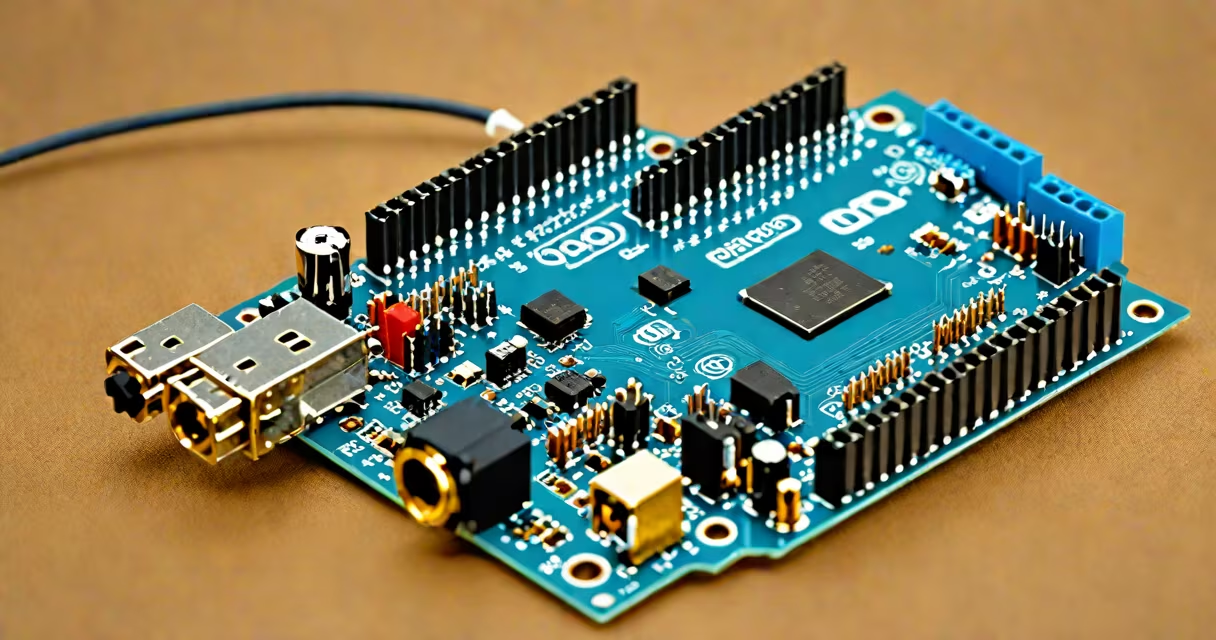
Arduino and C refers to using the C programming language to write code for Arduino microcontroller boards. This combination provides a simple way to create interactive electronic projects.
Arduino boards run programs written in C/C++ through the Arduino IDE (Integrated Development Environment). When you write code in the Arduino environment, it's compiled into machine code that the microcontroller can understand and execute.
The Arduino core library provides simplified functions that handle hardware-specific tasks, allowing programmers to focus on their project logic rather than low-level details.
Arduino C programs consist of two essential functions:
For example, blinking an LED requires setup() to define the pin mode and loop() to toggle the pin state:
void setup() {
  pinMode(13, OUTPUT);
}

void loop() {
  digitalWrite(13, HIGH);
  delay(1000);
  digitalWrite(13, LOW);
  delay(1000);
}Many beginners confuse Arduino programming with traditional C programming. While Arduino uses C/C++, it's not pure C - it relies heavily on the Arduino core library and simplifies many concepts.
Another misconception is that Arduino can only use C. Actually, it supports C++ features, though most beginners stick to simpler C-like syntax.
I built a temperature monitoring system using an Arduino Uno and a DHT11 sensor. The C code read sensor data, converted it to Fahrenheit, and displayed it on an LCD screen. The program ran continuously in loop(), checking the sensor every few seconds.
This project demonstrated how Arduino and C work together to create practical applications with minimal code.
To learn more about Arduino programming, explore the official Arduino Getting Started Guide and the Arduino Reference.