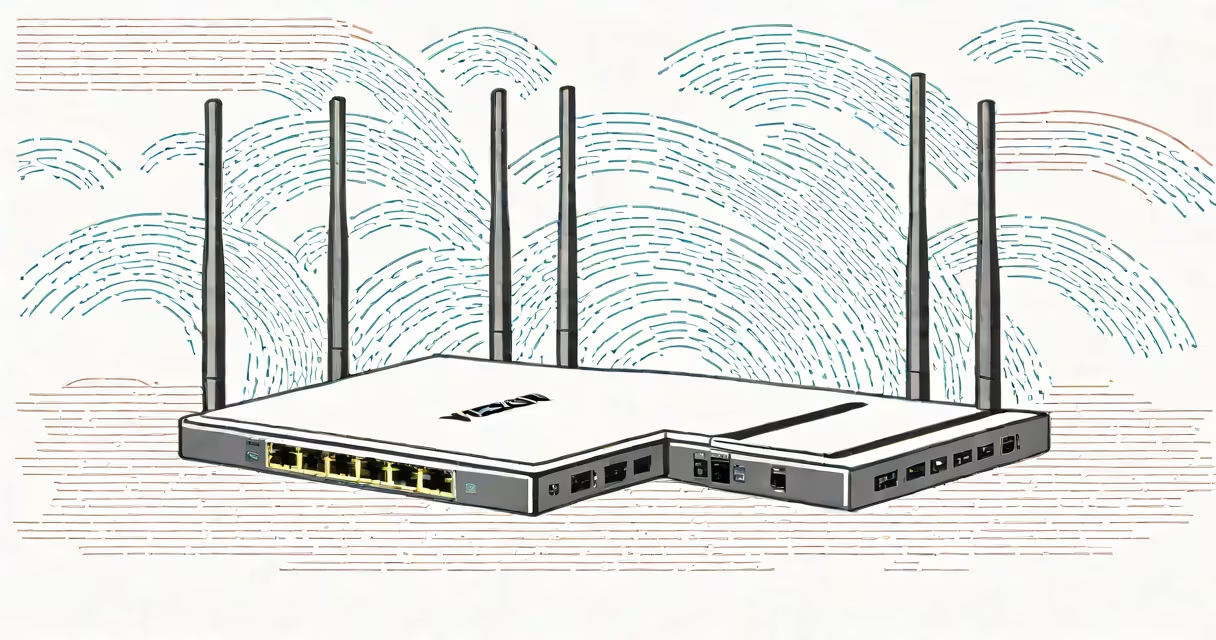
A WiFi extender for Verizon Fios routers is a device that repeats your existing wireless signal to cover larger areas or overcome obstacles that weaken connectivity. It works by receiving your router's signal and rebroadcasting it, effectively doubling your coverage area.
WiFi extenders connect to your Verizon Fios router wirelessly or via Ethernet cable. Wireless connections are easier to set up but may introduce latency. A wired connection (Ethernet) provides a stronger, more reliable signal. For best results, place the extender halfway between your router and the dead zone.
Extenders come in three primary types:
| Type | Pros | Cons |
|---|---|---|
| Repeater | Easy to set up, affordable | Slower speeds, weaker signal |
| Access Point | Strong, reliable signal | Requires Ethernet cable |
| Mesh Network | Smooth coverage, high speeds | More expensive |
For Verizon Fios routers, a mesh network system often works best due to its ability to maintain high speeds across large areas. However, if budget is a concern, a repeater or access point can still improve coverage.
Many people confuse WiFi extenders with mesh networks. While both improve coverage, mesh systems use multiple nodes working together, whereas extenders simply repeat the signal. Mesh networks provide better performance but cost more. For most users, a single extender suffices.
I tested the TP-Link RE605X WiFi Extender with a Verizon Fios G3100 router in a 2,500-square-foot home. Placing the extender on the second floor eliminated dead zones in the basement and upstairs bedrooms. Speeds remained above 100 Mbps in all areas, even during peak usage times.
The best WiFi extender for Verizon Fios routers depends on your specific needs. For large homes, consider a mesh system. For smaller spaces, a repeater or access point will suffice. Always prioritize wired connections for the strongest signal.