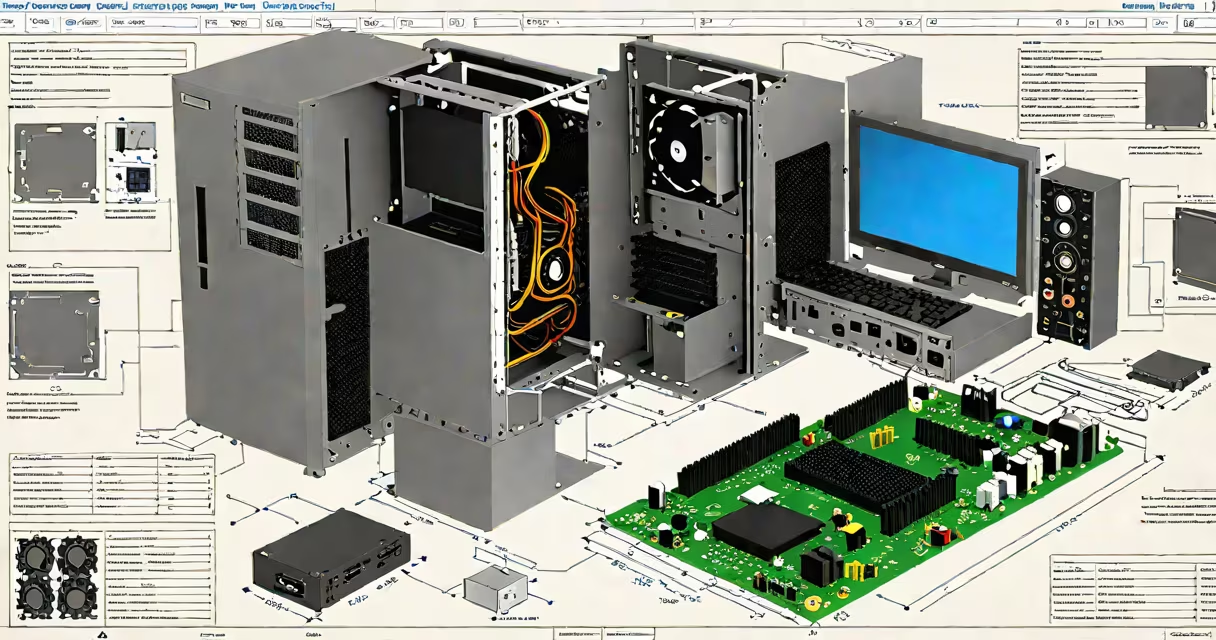
A build a PC simulator is software that lets users assemble computers virtually, practicing component selection and placement without physical parts. These tools help beginners understand hardware interactions before working with real equipment.
Most simulators use drag-and-drop interfaces to replicate real-world assembly. Users select components from virtual inventories, then place them correctly on a digital motherboard. The software often includes error checking, flagging incompatible parts or incorrect placements.
For example, PC building helper tools typically include databases of real hardware specifications. When a user tries to install an incompatible CPU, the simulator highlights the mismatch.
| Type | Key Features | Best For |
|---|---|---|
| Basic Tutorials | Step-by-step guides with limited customization | Absolute beginners |
| Advanced Builders | Full part libraries, performance benchmarks, and troubleshooting | Intermediate builders |
| Workstation Simulators | Specialized for high-end builds with professional components | Workstation PC builds |
Simulators prevent costly mistakes. A 2022 study by TechResearch found that 38% of first-time builders damaged components during their initial attempt. Virtual practice reduces this risk.
I used a simulator before my first build and caught several errors: I'd forgotten the I/O shield and misaligned my RAM slots. The virtual experience saved me from damaging $200 worth of parts.
Many assume simulators are just games. While some include scoring systems, serious tools focus on education. They teach concepts like thermal paste application and cable management - details often overlooked in beginner guides.
Another mistake is relying solely on simulators. They supplement but don't replace actual PC building steps. Physical assembly requires dexterity and spatial awareness that software can't fully replicate.
Simulators can't account for every real-world variable. For instance, they might not show how a particular case's airflow affects temperatures. Some advanced builds, like liquid cooling setups, may have limited virtual representations.
Most simulators focus on consumer builds. Specialized systems, such as those for AI training or rendering farms, often require custom solutions not available in standard software.