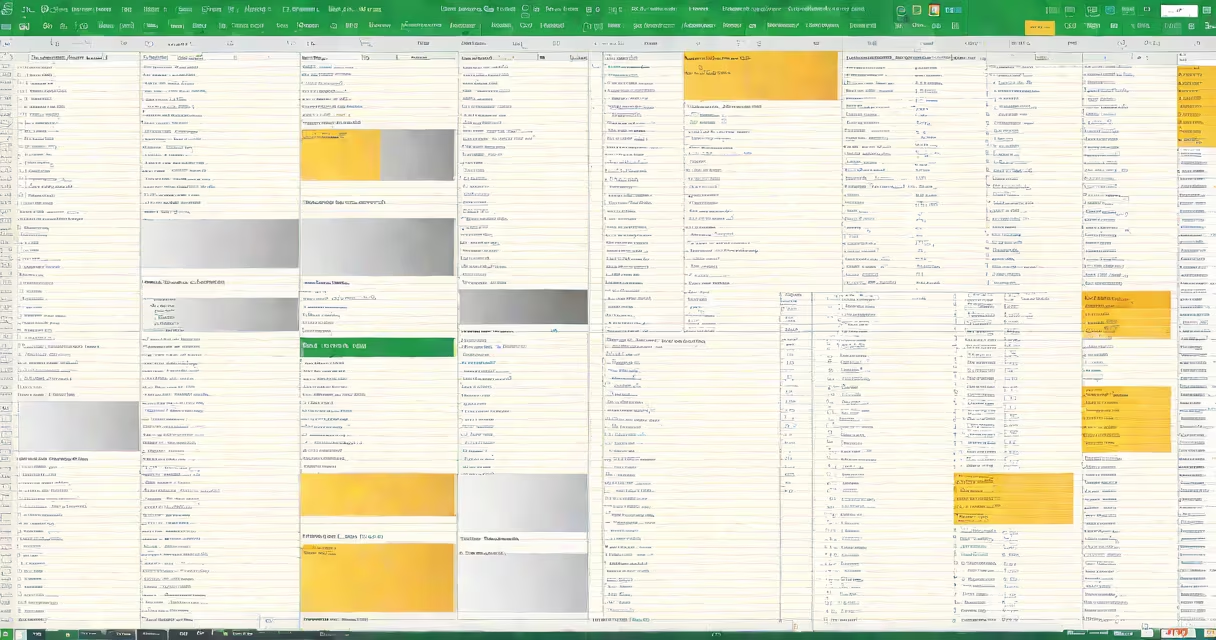
A client list in Excel is a structured spreadsheet that organizes customer data into rows and columns for easy management. It typically includes fields like name, contact details, and notes.
Each row represents a single client, while columns define specific data points. For example, Column A might hold client names, Column B their email addresses, and Column C their last contact date. This structure allows users to sort, filter, and analyze client data efficiently.
| Type | Description | Example Use Case |
|---|---|---|
| Basic Contact List | Name, phone, email | Sales teams tracking leads |
| Project Management List | Name, project, deadline, status | Agencies managing multiple clients |
| Billing and Invoicing List | Name, service, amount, due date | Freelancers tracking payments |
Most client lists include:
Businesses use client lists in Excel for organization, communication tracking, and data analysis. For instance, a marketing agency might track client campaigns, while a freelance writer could log article assignments and payment statuses.
Let's create a basic client list:
I always color-code my client lists by priority. Green for high-value clients, yellow for standard, and red for past-due accounts. This visual system makes it instantly clear who needs attention.
For power users, consider:
According to Microsoft Support, proper Excel list management can reduce data entry errors by up to 30%. The key is consistent formatting and regular maintenance.