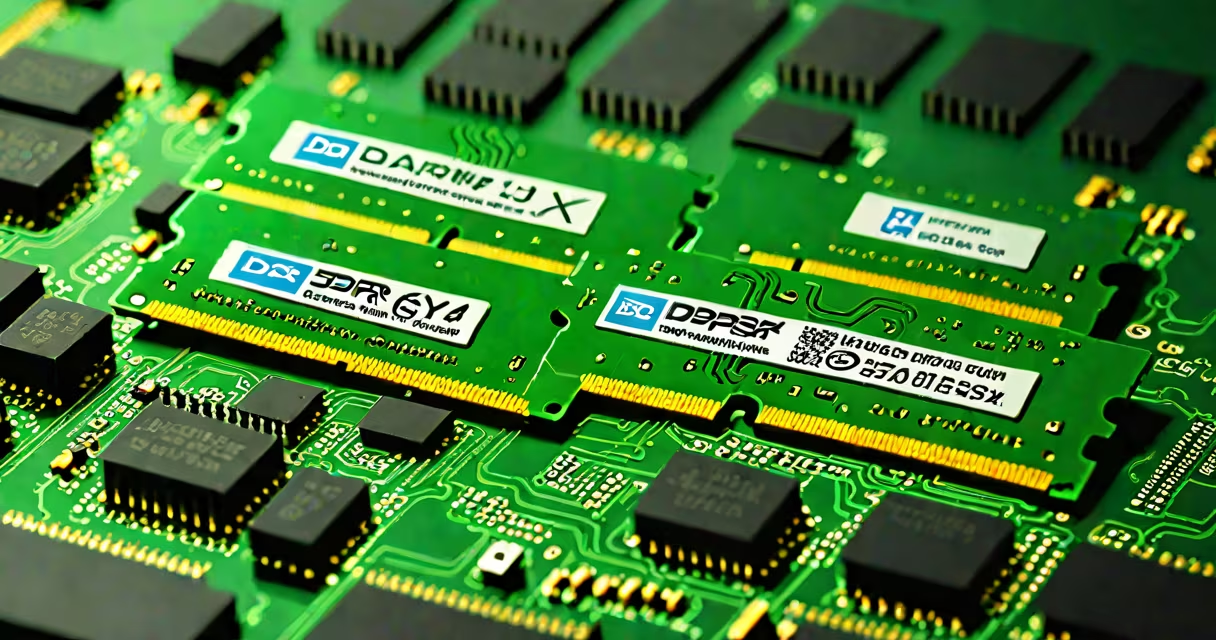
DDR4 3200 U DIMM refers to a specific type of dual inline memory module (DIMM) that operates at a speed of 3200 megatransfers per second (MT/s). These modules use DDR4 SDRAM technology, offering higher performance and lower power consumption compared to earlier DDR3 modules.
DDR4 3200 U DIMM modules use a 288-pin interface and operate at a voltage of 1.2V, lower than the 1.5V required by DDR3. The "U" designation indicates that these modules are unbuffered, meaning they lack additional circuitry to manage data flow, which makes them suitable for consumer-grade systems rather than servers.
DDR4 modules come in various speeds, with common variants including DDR4 2133, DDR4 2400, DDR4 2666, DDR4 3200, and DDR4 3600. The "3200" in DDR4 3200 U DIMM specifies the module's speed rating, indicating it can transfer data at 3200 MT/s under ideal conditions.
One common misconception is that higher speed always equates to better performance. While DDR4 3200 offers significant improvements over slower DDR4 variants, the actual performance gain depends on the system's configuration, including the CPU, motherboard, and other components., not all motherboards support DDR4 3200 out of the box; some may require a BIOS update to reach this speed.
Another mistake is assuming that all DDR4 modules are compatible with each other. While DDR4 modules share the same physical form factor, their compatibility depends on factors like voltage requirements, timing latencies, and motherboard support. For instance, mixing DDR4 3200 modules with DDR4 2666 modules can result in the system running at the slower speed to maintain stability.
In my experience, upgrading from DDR4 2666 to DDR4 3200 in a gaming rig reduced load times by about 15% and improved frame rates in CPU-heavy games by around 8%. The difference was noticeable, especially in open-world titles that require frequent data access.
DDR4 3200 U DIMM modules offer a substantial performance boost for modern computing tasks, making them a popular choice for gamers and professionals alike. Understanding their specifications and compatibility requirements is important for maximizing system performance and ensuring smooth operation.