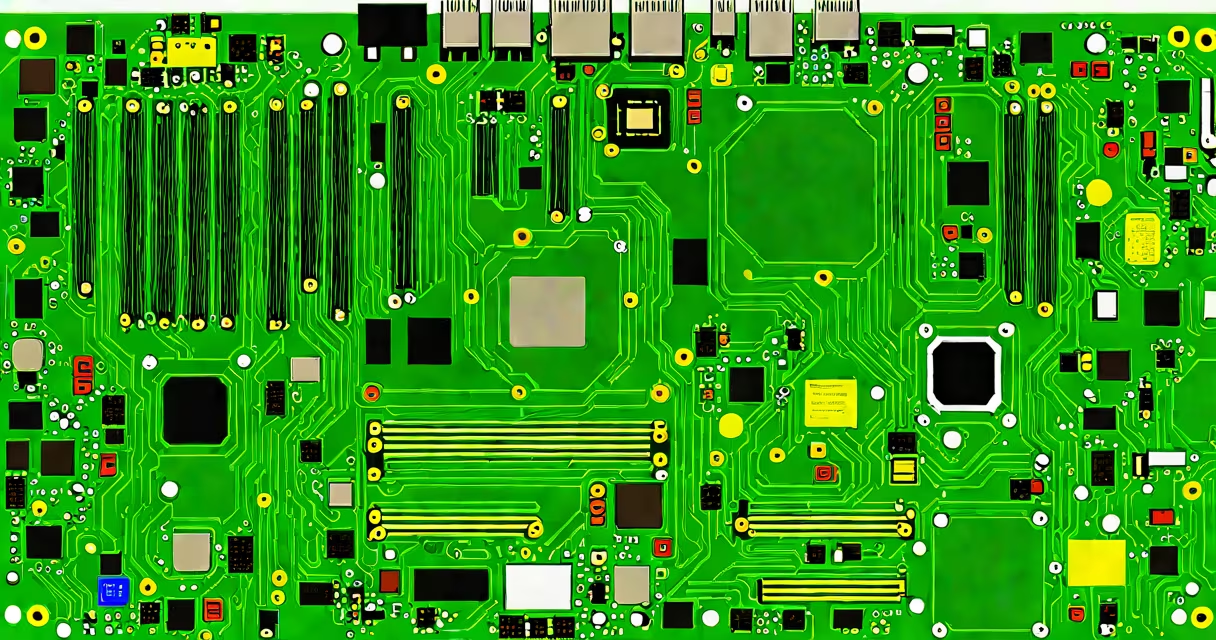
A Dell laptop motherboard is the main printed circuit board (PCB) that integrates all essential computer hardware, including the CPU, RAM slots, and connectors for storage, display, and peripherals. It serves as the core of your laptop's electrical system.
The motherboard acts as the central hub for data communication between components. It contains conductive pathways etched onto its surface, allowing electrical signals to travel between integrated circuits (ICs) and other components. The motherboard also provides power distribution and management through voltage regulator modules (VRMs).
For example, when you press the power button, the motherboard's firmware initiates the boot process, checks hardware integrity, and loads the operating system from storage. This sequence involves coordination between the BIOS/UEFI chip, CPU, RAM, and storage controllers.
Key components include:
Common failure symptoms include:
Replacement is typically needed after physical damage (e.g., liquid spills or drops) or component failures that can't be repaired. Motherboard repairs often cost more than $200, making replacement a better option for older laptops.
Many users confuse motherboard issues with software problems. For instance, if your Dell laptop flip model won't turn on, people often assume it's a battery issue when the motherboard might actually be faulty. Similarly, Wi-Fi connectivity problems are sometimes blamed on the OS when the actual issue lies with the motherboard's integrated Wi-Fi module.
I once worked on a Dell XPS 13 where the customer reported intermittent Wi-Fi drops. After testing various software solutions, we discovered a loose connection between the motherboard and the Wi-Fi antenna - a classic hardware issue masquerading as a software problem.
Dell uses different motherboard designs across its product lines. Here's a compatibility comparison:
| Series | Form Factor | Supported CPUs | Max RAM |
|---|---|---|---|
| XPS | Compact | Intel U-series | 32GB |
| Latitude | Standard | Intel H-series | 64GB |
| Inspiron | Varies | Intel U/H-series | 32GB |
Always check your specific model's service manual for exact specifications before attempting upgrades or repairs.