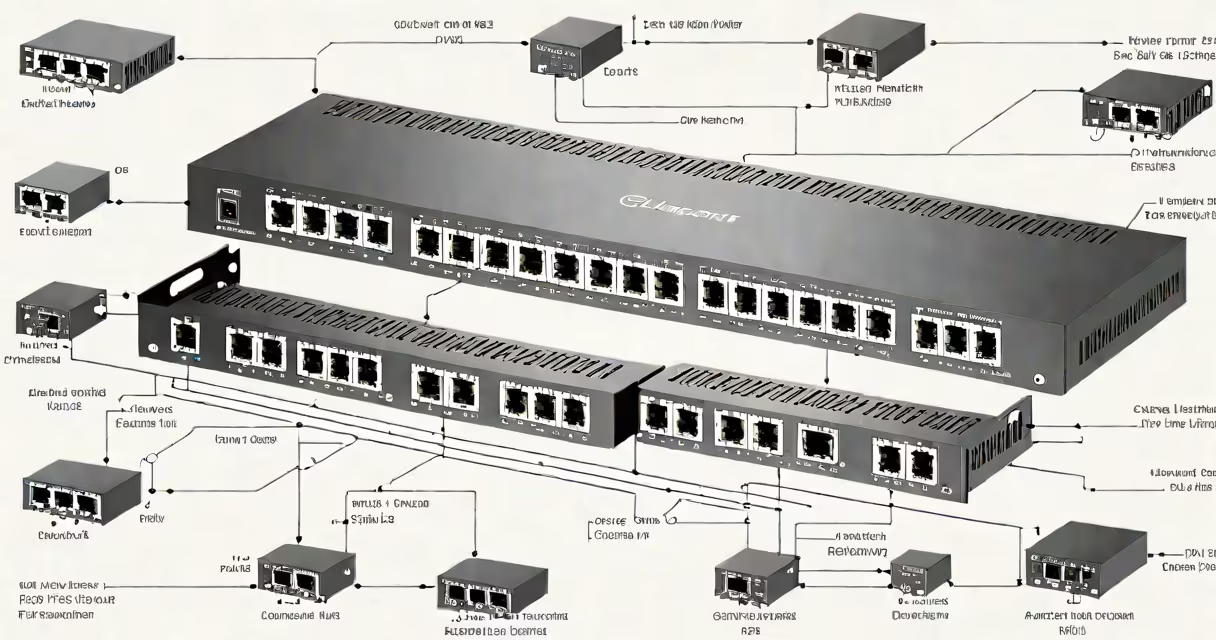
A desktop gigabit ethernet switch is a networking device that connects multiple wired devices to a single network, providing each with dedicated bandwidth up to 1 Gbps. These compact switches sit on desks or shelves, unlike rack-mounted models.
These switches use a technique called MAC address learning to forward data to the correct device. When a packet arrives, the switch checks its destination MAC address against its internal table. If the address is known, it sends the packet only to that port. If unknown, it broadcasts to all ports except the incoming one.
Most desktop models have between 5 and 8 ports, though some offer up to 16. Each port typically supports auto-negotiation, automatically adjusting speed between 10 Mbps, 100 Mbps, and 1000 Mbps based on the connected device's capabilities.
| Type | Ports | Management | Use Case |
|---|---|---|---|
| Unmanaged | 5-8 | Plug-and-play | Home offices, small networks |
| Smart/Managed | 8-16 | Basic configuration | Small businesses, advanced users |
Install one when you need to connect multiple wired devices in close proximity, such as:
Desktop switches are ideal for environments where running cables to a central rack isn't practical. Their compact size makes them perfect for tight spaces behind entertainment centers or under desks.
Another mistake is thinking these switches replace Wi-Fi routers. They extend wired networks but require connection to a router or modem for internet access. For standalone networks without internet, they still need connection to a central device like a server or NAS.
When choosing a desktop gigabit ethernet switch, consider both current needs and potential future expansion. Most models support plug-and-play installation, requiring no technical expertise beyond connecting cables. For advanced users, managed switches offer features like VLAN support and port prioritization.