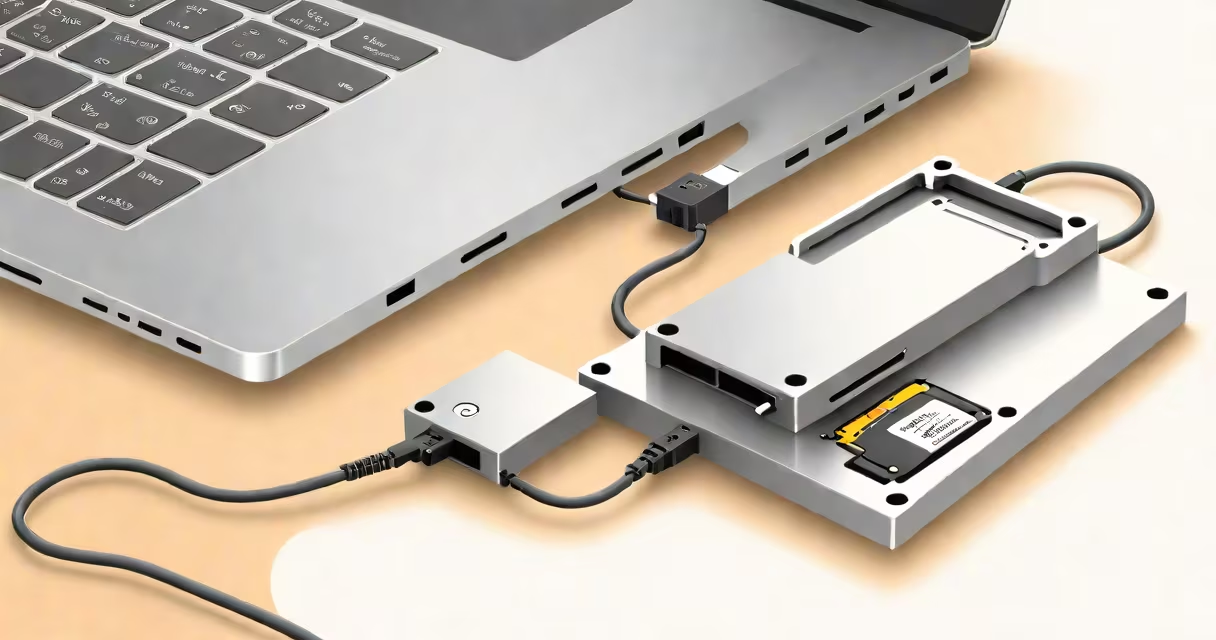
An external hard disk connector is a USB adapter that lets you connect a bare hard drive directly to a computer without needing an enclosure. These devices typically convert a SATA interface to USB, allowing standard 2.5-inch or 3.5-inch drives to function as external storage.
Most external hard disk connectors plug into a power source and a USB port on a computer. The connector provides the necessary power and data transfer interface for the hard drive. When connected, the drive appears as an external storage device, allowing users to read, write, and transfer data just like a traditional external hard drive.
| Type | Interface | Drive Size | Power Source |
|---|---|---|---|
| USB-to-SATA Adapter | USB 3.0/2.0 | 2.5-inch or 3.5-inch | USB or separate power supply |
| Docking Station | USB, Thunderbolt, eSATA | 2.5-inch or 3.5-inch | Built-in power supply |
| USB-to-PATA Adapter | USB 2.0 | 3.5-inch (older drives) | Separate power supply |
These connectors are often used for data recovery, transferring files between computers, or repurposing old internal drives as external storage. They are also useful for testing and diagnosing hard drives outside their original enclosures.
Many people confuse external hard disk connectors with docking stations. While both allow you to connect a bare hard drive to a computer, docking stations often support multiple drive types and interfaces, whereas connectors are usually limited to a single interface (like USB-to-SATA).
Some external hard disk connectors support UASP (USB Attached SCSI Protocol), which can improve data transfer speeds compared to standard USB protocols. According to StorageReview, UASP can offer up to a 20% performance boost in certain scenarios.
I once used a UASP-supported connector to transfer large video files from an old desktop drive to a newer laptop. The speed difference was noticeable, especially when moving multiple gigabytes of data.