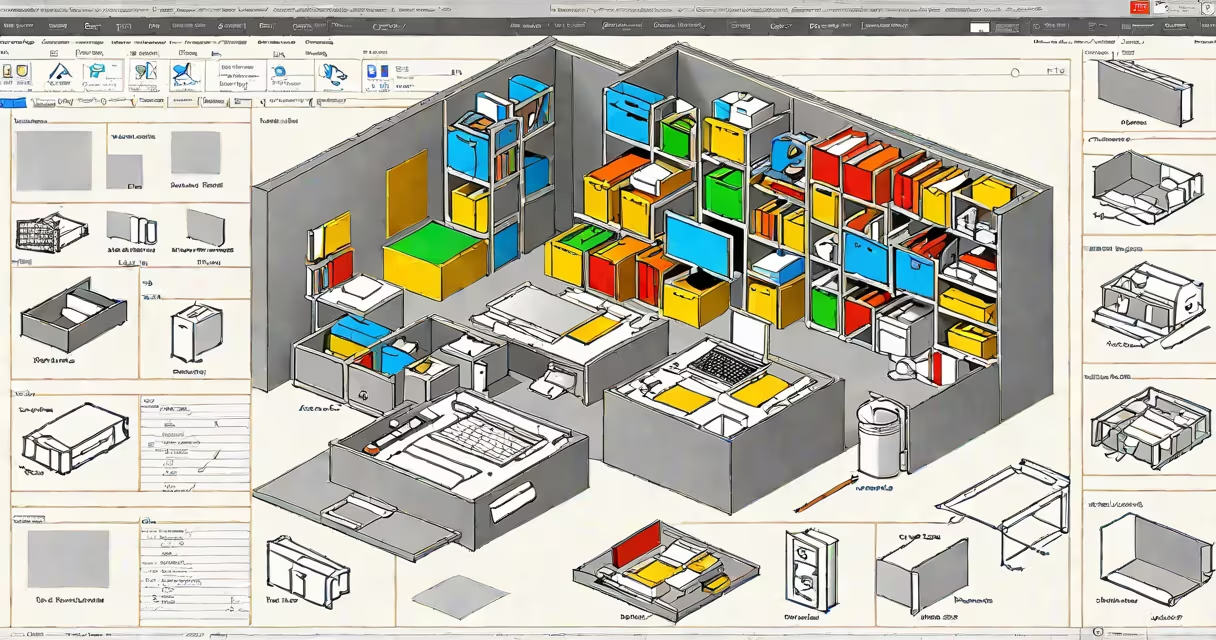
A free file manager for Windows is software that organizes, moves, copies, and deletes files without cost. These tools improve basic file operations beyond the default Windows File Explorer.
Free file managers provide a graphical interface to manage files and folders. They offer advanced features like bulk renaming, dual-pane views, and customizable layouts. Most operate within the Windows environment, integrating with the OS while adding extra functionality.
| Type | Key Features | Example |
|---|---|---|
| Enhanced Explorers | Improved versions of Windows File Explorer with added features | One Commander |
| Dual-Pane Managers | Side-by-side file comparison and transfer | FreeCommander |
| Specialized Tools | Focus on specific tasks like bulk renaming or cloud integration | Bulk Rename Utility |
Free file managers save time and reduce frustration by simplifying complex file operations. For example, bulk renaming files for a project or managing large datasets becomes easier. Many users prefer them over paid software due to their cost-effectiveness and solid feature sets.
Many people think free file managers lack security features. However, reputable free tools often include encryption and secure file deletion options. Always download from trusted sources to avoid malware.
FreeCommander offers a dual-pane view for easy file transfers. Open two directories side by side, drag files from one pane to another, and use built-in tools to compare or synchronize folders. The software supports archives, FTP, and network paths, making it versatile for various tasks.
I used FreeCommander to organize a photo collection of 5,000 images. The dual-pane view allowed me to quickly move files between folders, and the bulk rename tool saved hours of manual work. The software's intuitive interface made the process straightforward.
A free file manager for Windows enhances productivity by providing advanced features not available in the default File Explorer. Options like FreeCommander and One Commander offer solid solutions for organizing and managing files efficiently.