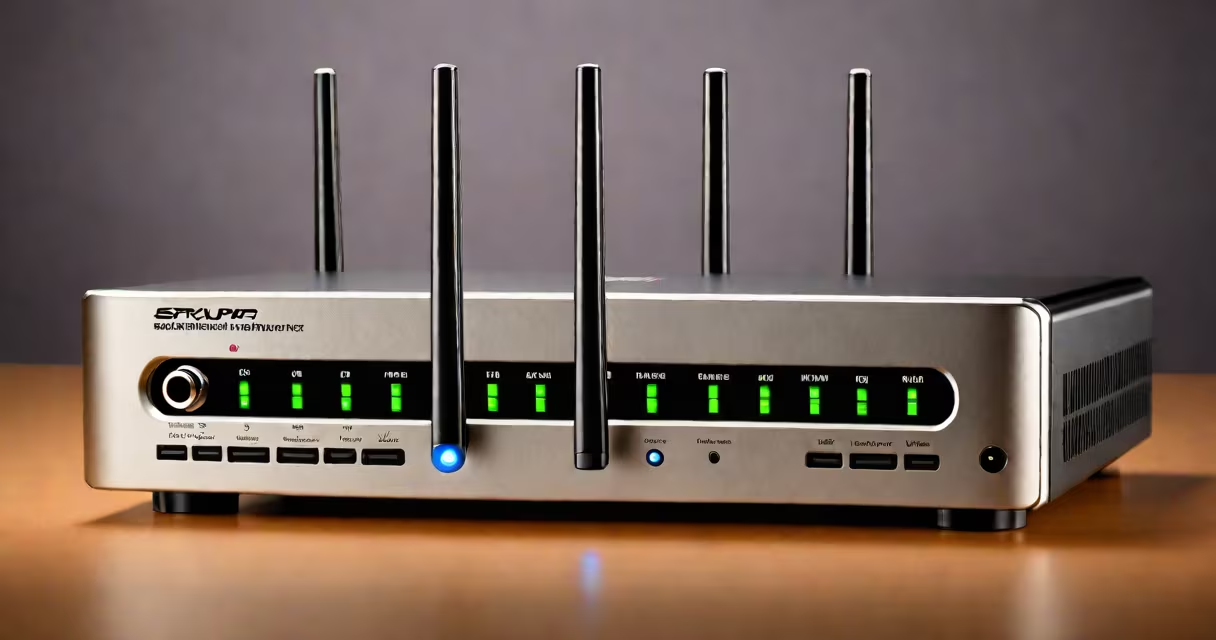
Securing a wireless network involves changing default credentials, enabling encryption, and disabling remote management to prevent unauthorized access. These steps create barriers against common threats like eavesdropping and data theft.
Unsecured networks are prime targets for cybercriminals who exploit weak passwords to steal personal data, hijack devices, or launch attacks on other networks. According to a Wired report, many routers still use default credentials, making them easy prey. Securing your network protects your privacy and prevents unauthorized users from consuming your bandwidth.
The most critical step is changing the default administrator password and SSID (network name) to unique, hard-to-guess values. Next, enable WPA3 encryption, the strongest available protocol, which scrambles data transmitted between devices and the router. Disable WPS (Wi-Fi Protected Setup), a feature often exploited due to vulnerabilities.
Turn off remote management, which allows configuration changes via the internet, and enable the firewall on your router to block malicious traffic. Regularly update your router's firmware to patch security flaws. These measures form a layered defense strategy.
Many assume hiding their SSID makes their network secure, but this practice offers minimal protection and can interfere with device connectivity. Others rely solely on MAC address filtering, which is easily bypassed. A better approach is combining strong encryption with complex passwords and disabling unnecessary features.
Another mistake is using outdated protocols like WEP (Wired Equivalent Privacy), which is easily cracked. Always opt for WPA3 or, at minimum, WPA2. For example, a router set to WPA3 encrypts data with 128-bit keys, making it nearly impossible to decrypt without authorization.
I once tested a neighbor's network by scanning for open ports and found their admin interface exposed. This highlighted the importance of disabling remote management-a step many overlook. Regular testing ensures ongoing protection.
Enable network segmentation to isolate smart home devices from computers and phones, limiting damage if one device is compromised. Use a guest network for visitors, keeping their traffic separate from your primary network. Regularly audit connected devices and remove any unfamiliar ones.
For added security, consider using a VPN (Virtual Private Network) on devices accessing sensitive data. A VPN encrypts all internet traffic, even on public Wi-Fi. Pairing this with strong Wi-Fi encryption creates a solid security structure.
Securing a wireless network requires changing default settings, enabling strong encryption, and disabling vulnerable features. Regular updates and monitoring further improve protection. By following these steps, you create a safer online environment for all connected devices.