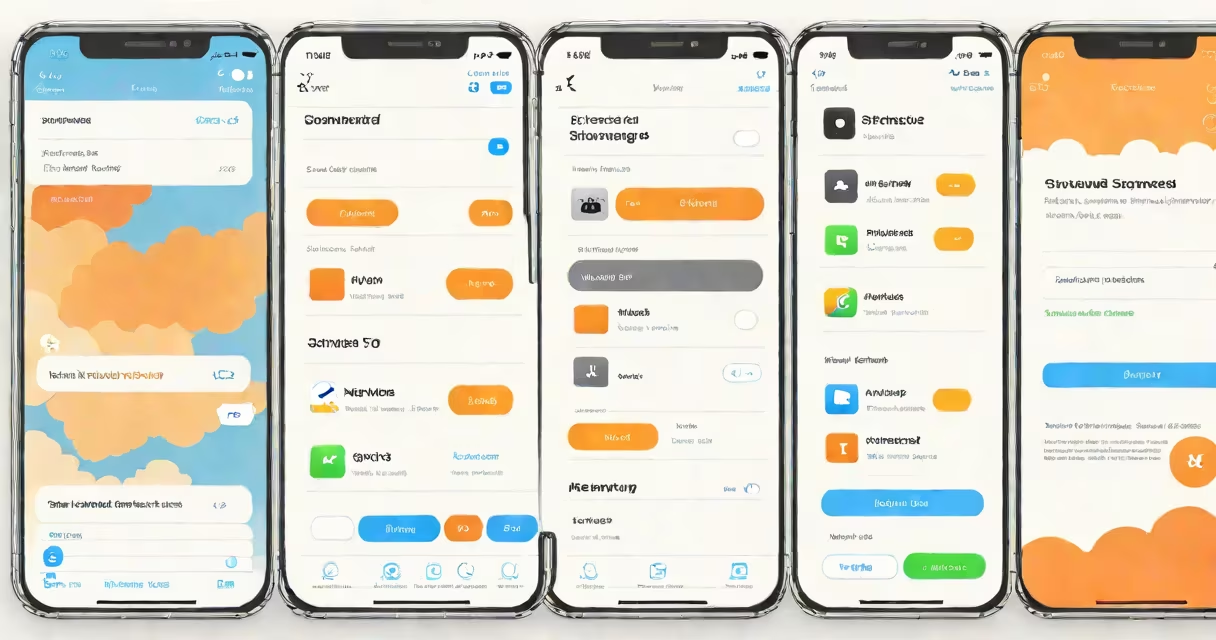
To view your iCloud storage, open the Settings app on your iPhone or iPad, tap your name at the top, then select "iCloud" and "Manage Storage." This shows your total storage and usage breakdown.
iCloud storage syncs your data across Apple devices using your Apple ID. It includes photos, documents, app data, and device backups. Apple provides 5GB free, with paid plans offering 50GB to 2TB.
Your iCloud storage holds several types of data:
iCloud storage ensures your data is available on all your devices. For example, photos taken on your iPhone appear automatically in the Photos app on your Mac. Device backups enable easy setup of new devices.
Many users confuse iCloud Drive with iCloud Photos or assume iCloud storage is unlimited. In reality, iCloud Drive is a separate folder for documents, while iCloud Photos handles media. Storage is limited unless you upgrade.
To check your storage:
When my iPhone storage was full, I checked my iCloud storage and found old device backups taking up space. After deleting them, I freed up 2GB of storage.