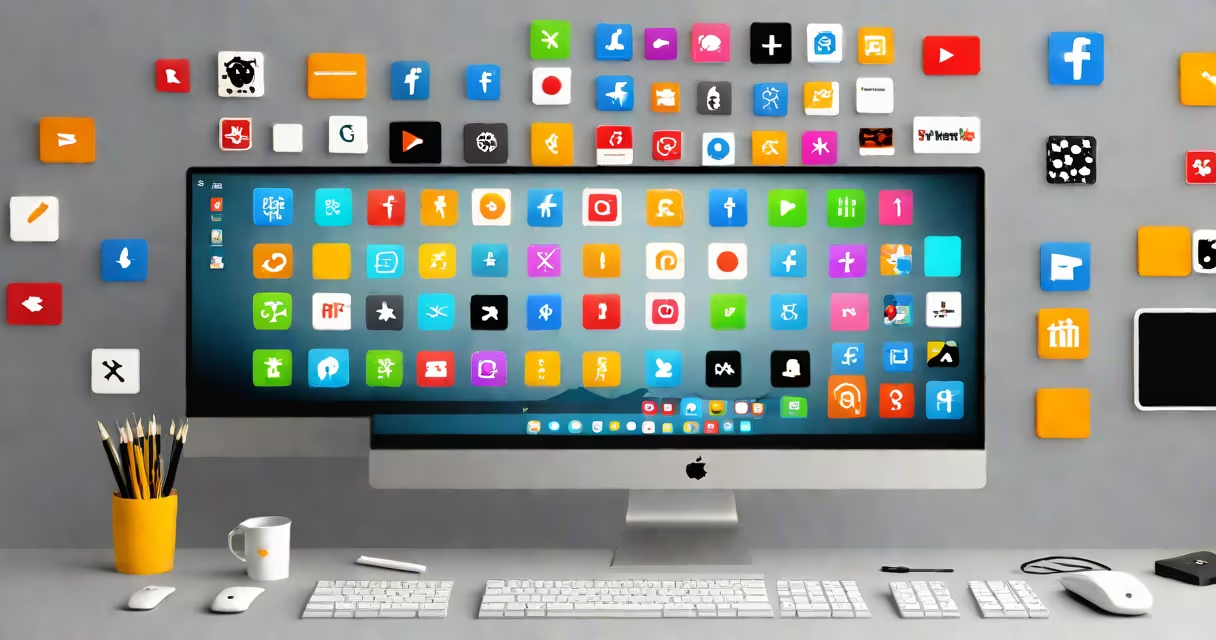
Adding something to your desktop creates quick access to files, folders, or applications. This process varies slightly depending on your operating system.
Most operating systems allow you to place shortcuts or aliases on the desktop. These act as pointers to the actual file or application, making it easier to launch or access them without going through through folders.
Desktops are commonly used for quick access to frequently used items. This is particularly useful for users who multitask or need to access certain files or applications regularly. For example, a graphic designer might place their design software and frequently used image files on the desktop for easy access.
Many users confuse adding a file to the desktop with moving it there. Moving a file to the desktop removes it from its original location, while adding a shortcut or alias leaves the file in its original location and creates a link on the desktop.
To add a file to your desktop on Windows:
On macOS:
Command + Option while dragging the file to the desktop.Some operating systems allow further customization, such as changing the appearance of desktop icons or grouping them into folders. For example, you can create a folder on the desktop to hold all your work-related files, keeping them organized and easily accessible.
Some users prefer to keep their desktops clean and use a dock or taskbar for quick access to their most-used items. This can help reduce clutter and improve productivity.
I once helped a colleague set up their desktop with shortcuts to all their frequently used applications and files. This simple organization trick saved them several hours a week by reducing the time spent searching for files.