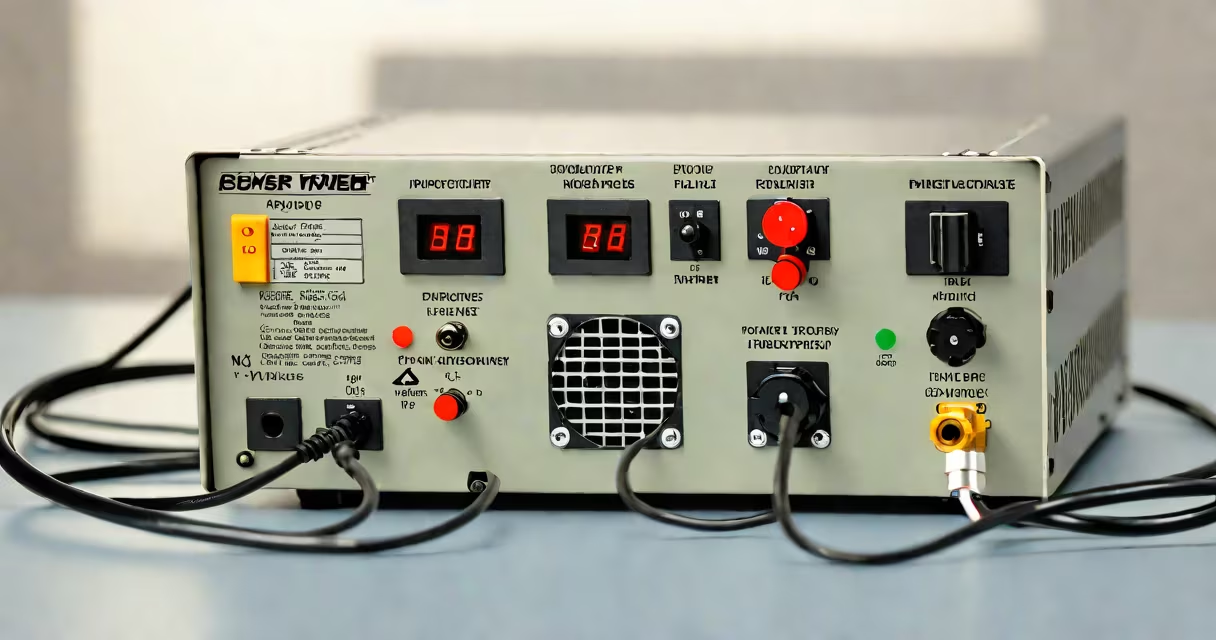
To identify your power supply, locate its model number and wattage on the label or through software tools. This information helps when upgrading or troubleshooting.
Power supplies are identified by their model number and wattage rating. These details are usually printed on a label attached to the unit. Most power supplies also have a sticker with specifications, including voltage outputs, efficiency ratings, and manufacturer information.
| Method | Description | Example |
|---|---|---|
| Physical Label | Sticker on the power supply unit | Model: EVGA 600 BR, 600W |
| Software Tools | System information utilities | Speccy, HWMonitor |
| Manufacturer Website | Lookup by serial number | Corsair website lookup |
Many users confuse the physical size of the power supply with its wattage rating. A larger unit isn't necessarily more useful. Always check the label for accurate specifications. Another mistake is assuming all power supplies are modular when many are non-modular or semi-modular.
To identify a Corsair power supply:
This process ensures you have accurate information for upgrades or replacements.
If the physical label is missing or unreadable, use system information tools like Speccy or HWMonitor. These programs scan your hardware and display detailed specifications, including power supply information. However, software may not always detect the exact model, especially for older units.
Identifying your power supply is straightforward once you know where to look. Always start with the physical label, then use software tools or manufacturer resources if needed. Accurate identification prevents compatibility issues during upgrades and ensures proper troubleshooting.