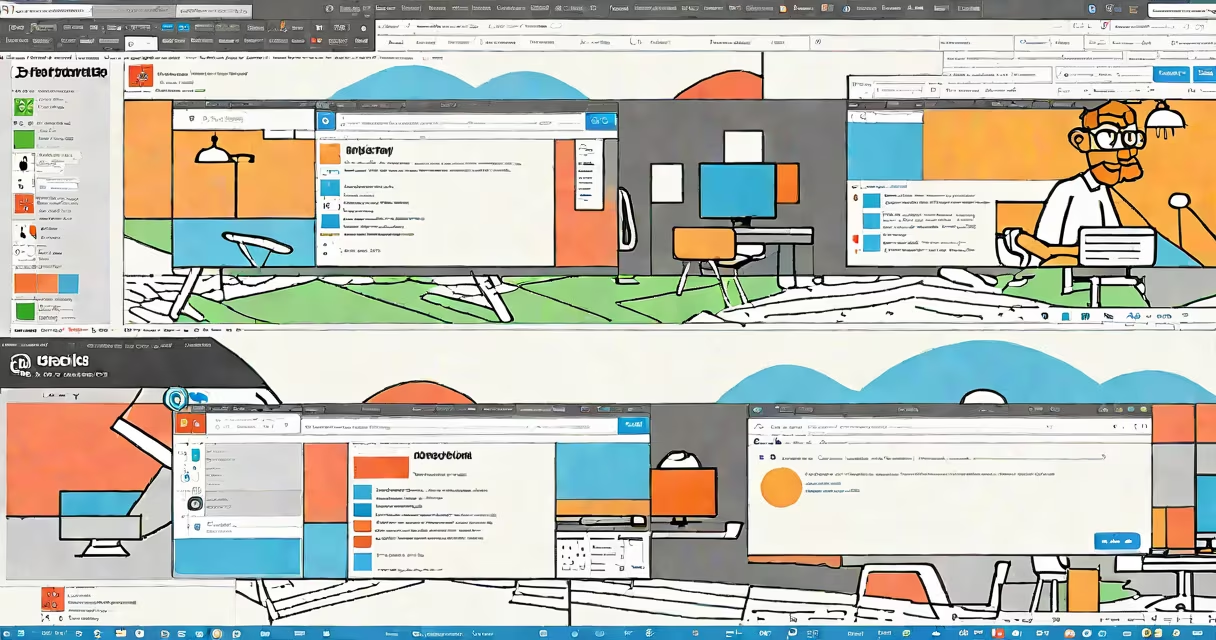
To split screen on Edge, open two windows and drag one to either side of the screen using the title bar. This feature lets you view multiple tabs simultaneously, improving productivity.
Microsoft Edge supports split screen through Windows' built-in snap assist feature. You can open two Edge windows side by side or stack them vertically. Each window operates independently, allowing you to browse different sites or applications simultaneously.
| Layout | Shortcut | Description |
|---|---|---|
| Side by Side | Windows key + Left/Right Arrow | Opens the current window on the left or right half of the screen. |
| Stacked Vertically | Windows key + Up/Down Arrow | Opens the current window on the top or bottom half of the screen. |
Split screen enhances productivity by allowing you to compare information, manage multiple tasks, or reference materials while working. For example, you can research on one side while typing notes in a document on the other. This method reduces the need to switch between tabs constantly.
Many users confuse split screen with simply opening multiple tabs. While tabs allow you to switch between pages, split screen lets you view two or more pages at the same time without switching. Another misconception is that split screen only works with Edge; it's actually a Windows feature that works with any application.
1. Open Microsoft Edge and go through to the first website you want to view.
2. Press the Windows key to open the Start menu, then press the Right Arrow key to snap the current window to the right half of the screen.
3. Open another Edge window and go through to the second website.
4. Press the Left Arrow key to snap the second window to the left half of the screen.
Now you have two Edge windows open side by side, each displaying different content.