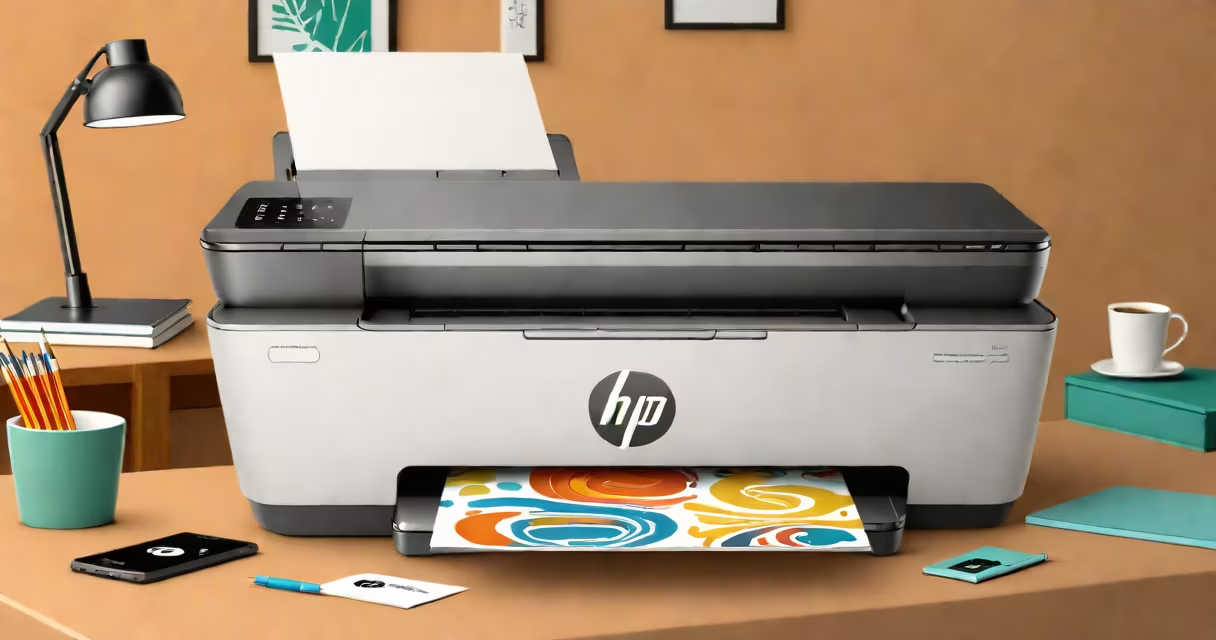
The HP Smart 580 is a compact all-in-one inkjet printer designed for home and small office use, offering print, scan, and copy functions. It connects via Wi-Fi, USB, or Bluetooth and supports duplex printing.
The HP Smart 580 uses HP Thermal Inkjet technology to produce high-quality prints. It connects to your devices via Wi-Fi, Bluetooth, or USB, allowing you to print from smartphones, tablets, and computers. The printer supports duplex printing, meaning it can print on both sides of the paper automatically.
The HP Smart 580 includes several key features:
Setting up the HP Smart 580 is straightforward. Start by unpacking the printer and removing any protective tapes. Connect the power cord and turn on the printer. Follow the on-screen instructions to connect to your Wi-Fi network. Once connected, install the HP Smart App on your smartphone or download the printer software from the HP support website.
The HP Smart 580 is ideal for home offices, students, and small businesses. It can handle different tasks, including printing documents, photos, and scanning important papers. Its compact size makes it perfect for small spaces.
The HP Smart 580 is part of HP's Smart Tank series, which focuses on providing reliable and efficient printing solutions. Compared to other models like the HP Smart Tank 585, the 580 offers similar features but with a slightly smaller paper capacity and lower print speed. However, it remains a cost-effective choice for those who need a versatile all-in-one printer.
For more advanced features and higher print speeds, consider the HP Smart Tank 585, which offers a larger paper capacity and faster printing.