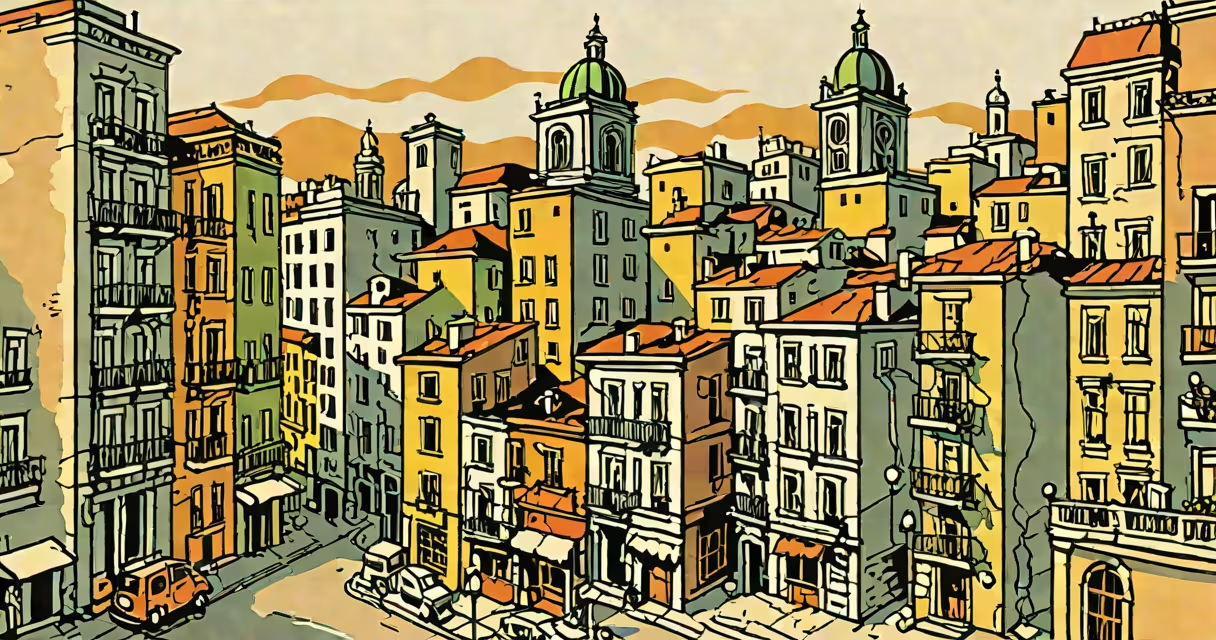
Illustrator graphic design is the process of creating vector-based artwork using Adobe Illustrator, a software tool widely used for designing logos, typography, and other scalable graphics. Unlike raster-based programs that use pixels, Illustrator uses mathematical formulas to create anchor points, paths, and shapes, allowing for infinite scalability without quality loss.
Adobe Illustrator operates on a vector-based system, meaning it uses geometric primitives such as points, lines, and curves to create images. These vectors can be scaled to any size without losing resolution, making them ideal for print and digital media. The software includes different tools for drawing, typing, and manipulating objects, along with effects and styles to improve designs.
For example, a designer might start with the Pen Tool to create a custom shape, then use the Type Tool to add text. They could apply a gradient fill and a drop shadow effect to make the design pop. The artwork can then be exported in various formats, including SVG for web use or PDF for print.
Illustrator graphic design encompasses several types of projects:
Illustrator graphic design is used across various industries,. Its versatility makes it a go-to tool for designers who need to create high-quality graphics for both print and digital media. For example, a marketing agency might use Illustrator to design a campaign poster, while a freelance artist might use it to create a series of illustrations for a children's book.
One common misconception is that Illustrator is only for creating simple graphics. In reality, it's capable of producing highly detailed and complex artwork. For instance, the complex patterns and textures seen in fashion designs are often created in Illustrator.
Many people assume that Illustrator is only for creating new artwork from scratch. However, it also excels at modifying existing images. Designers can import raster images into Illustrator and use tools like Image Trace to convert them into vector graphics. This allows for easy editing and scaling of photographs and other raster-based images.
For example, a designer might import a photograph of a hand-drawn sketch and use Image Trace to convert it into a vector graphic. This vector version can then be scaled and edited without losing quality, making it easier to incorporate into larger design projects.
When I first started using Adobe Illustrator, I was impressed by its ability to create precise and scalable graphics. One project that stands out is designing a logo for a local coffee shop. I used the Pen Tool to create a custom coffee cup icon and then applied a gradient fill to give it depth. The final logo looked great on everything from business cards to large outdoor signs, thanks to Illustrator's vector-based system.
Another useful feature I discovered was the ability to create custom brushes. By defining a path and saving it as a brush, I could quickly apply consistent styles to my designs. This saved time and ensured a cohesive look across multiple projects.
If you're interested in learning more about graphic design, check out what you do in a graphic design class or explore free online graphic design resources to get started.