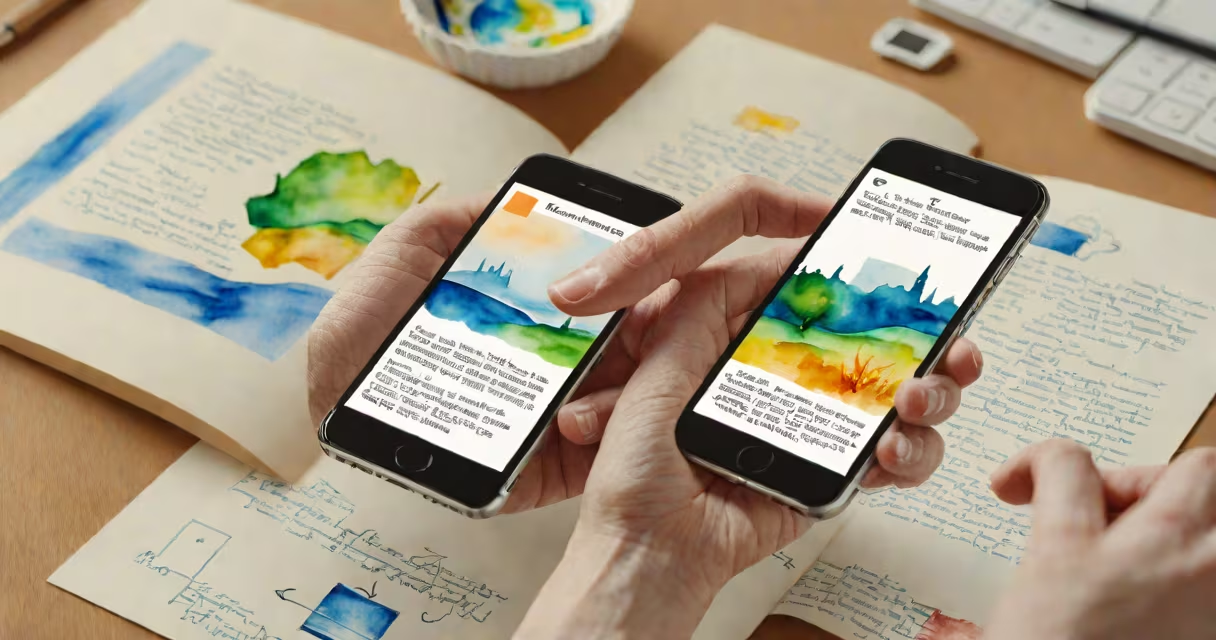
Image to text copy uses optical character recognition (OCR) to extract text from images, converting printed or handwritten content into editable digital text. This technology powers document scanning, receipt processing, and accessibility tools.
OCR software analyzes text in images by comparing shapes to character databases. Modern systems use machine learning to improve accuracy, especially with handwriting or low-quality scans. The process involves preprocessing (enhancing image quality), feature extraction (identifying character patterns), and post-processing (correcting errors).
| Type | Use Case | Accuracy |
|---|---|---|
| Printed Text Recognition | Scanning documents, books | 99%+ |
| Handwritten Text Recognition | Processing forms, notes | 85-95% |
| Multilingual OCR | Translating foreign documents | Varies by language |
Many assume OCR works perfectly on all images, but lighting, font styles, and image quality drastically affect results. For example, a blurry restaurant receipt may only yield 70% accurate text extraction. Another myth is that OCR replaces manual data entry entirely-while it reduces effort, human review remains necessary for critical documents.
I tested several tools by scanning a 10-page research paper. The best performed at 98% accuracy, but struggled with footnotes in small fonts, requiring manual corrections. This highlighted the importance of choosing the right tool for specific text types.
According to a 2023 study by the International Journal of Document Analysis and Recognition, OCR accuracy improves by 15% when combined with context-aware algorithms that predict expected words based on surrounding text.