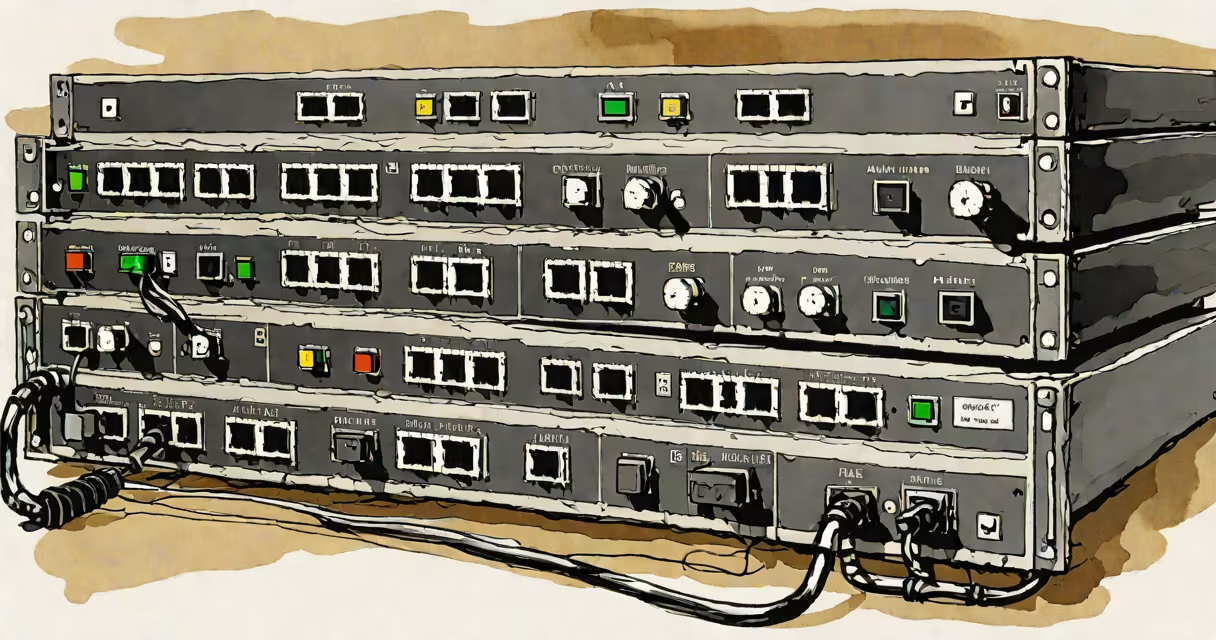
A **Level1Tech KVM switch** is a hardware device that lets one user control multiple computers from a single keyboard, monitor, and mouse. These switches simplify workflows by reducing clutter and improving efficiency.
KVM switches connect to multiple computers via USB and video cables. When you press a button or use software, the switch redirects input and output signals to the selected computer. This allows smooth switching between devices without unplugging cables.
| Type | Description | Example Use Case |
|---|---|---|
| USB KVM Switch | Uses USB for both input and output | Office workstations |
| DisplayPort KVM Switch | Supports high-resolution displays | Graphic design workstations |
| Wireless KVM Switch | Uses Wi-Fi or Bluetooth for connectivity | Remote desktop access |
KVM switches are common in offices, data centers, and home setups. They save desk space, reduce cable mess, and improve productivity by allowing quick access to multiple systems. For example, a developer might use a KVM switch to manage a test server, a development machine, and a personal laptop from one desk.
Some people confuse KVM switches with **simple USB hubs**, which only extend connectivity without switching capabilities. Unlike hubs, KVM switches actively manage input and output signals between devices.
Another myth is that KVM switches slow down performance. High-quality switches like those from Level1Tech introduce minimal latency, ensuring smooth operation even for demanding tasks like video editing or gaming.
I set up a Level1Tech KVM switch in my home office to manage a work laptop, a personal desktop, and a Linux server. The switch reduced cable clutter and made it easy to toggle between systems with a single button press. The setup took less than 10 minutes, and I noticed an immediate improvement in workflow efficiency.
Level1Tech KVM switches offer a practical solution for managing multiple computers efficiently. By understanding their types, uses, and benefits, users can simplify their workflows and reduce desk clutter.