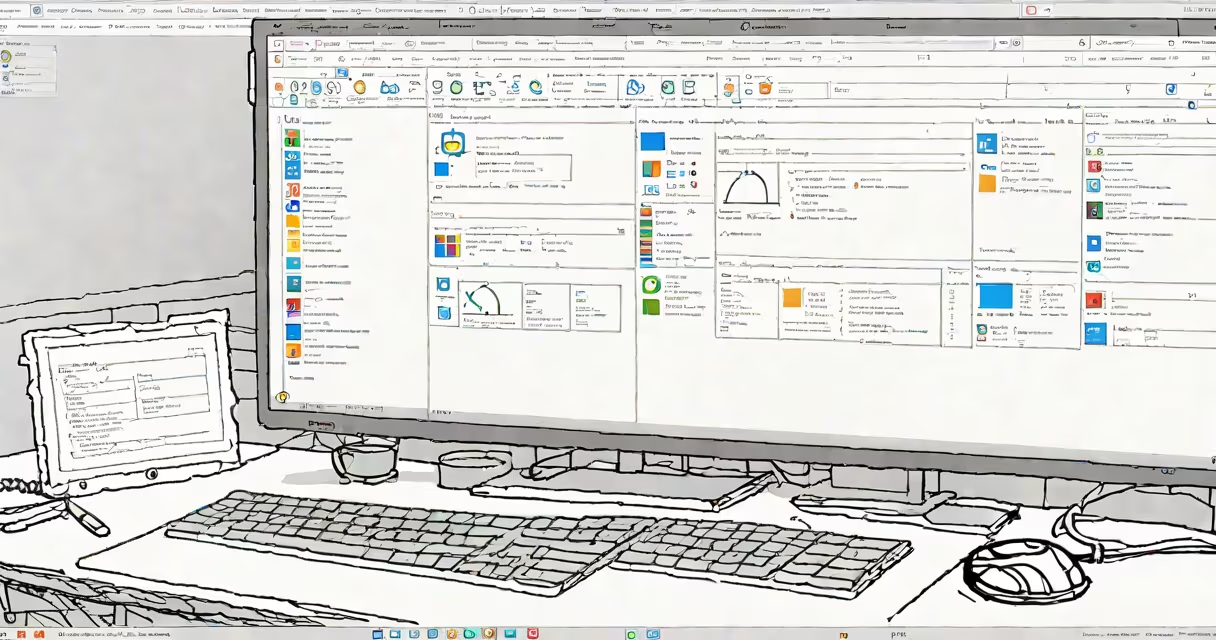
Microsoft Windows is a family of graphical operating systems developed by Microsoft, designed primarily for personal computers. The latest version, Windows 11, offers improved performance, security, and user experience compared to earlier releases.
Windows provides a user-friendly interface with a desktop, taskbar, and start menu. It manages hardware resources, runs applications, and connects to networks. The system uses a kernel to handle core functions like process management and memory allocation.
| Type | Examples | Primary Use |
|---|---|---|
| Operating System | Windows 10, Windows 11 | Core system functions |
| Productivity Software | Microsoft Office, Word, Excel | Document creation, data analysis |
| Utility Software | Windows Defender, Task Manager | System maintenance, monitoring |
Windows powers over 75% of desktop computers worldwide. Businesses use it for productivity, gamers rely on it for performance, and developers use it for compatibility. Schools and governments also deploy Windows for its extensive software support and ease of use.
One non-obvious fact: Windows includes a hidden God Mode feature, accessible via a special folder name, which consolidates over 200 system settings and tools into a single interface. This is useful for advanced users who need quick access to administrative functions.
Many people confuse Windows with macOS or Linux, assuming they offer similar capabilities out of the box. However, Windows excels in software compatibility, particularly for legacy applications and enterprise solutions. Unlike macOS, which is exclusive to Apple hardware, Windows runs on many PCs from various manufacturers.
Another misconception is that Windows is outdated compared to newer operating systems. While it has been around for decades, continuous updates and new versions ensure it remains competitive in performance and security.
Consider a small business owner who needs to manage invoices, track inventory, and communicate with clients. They might use Windows 11 combined with Microsoft Office applications like Excel for spreadsheets and Outlook for email. The operating system ensures all these programs run smoothly together, providing a smooth workflow.
As someone who has used Windows for years, I appreciate its balance of familiarity and innovation. The introduction of virtual desktops in Windows 10 and the improved snap layouts in Windows 11 have enhanced multitasking capabilities, making it easier to manage multiple applications simultaneously.