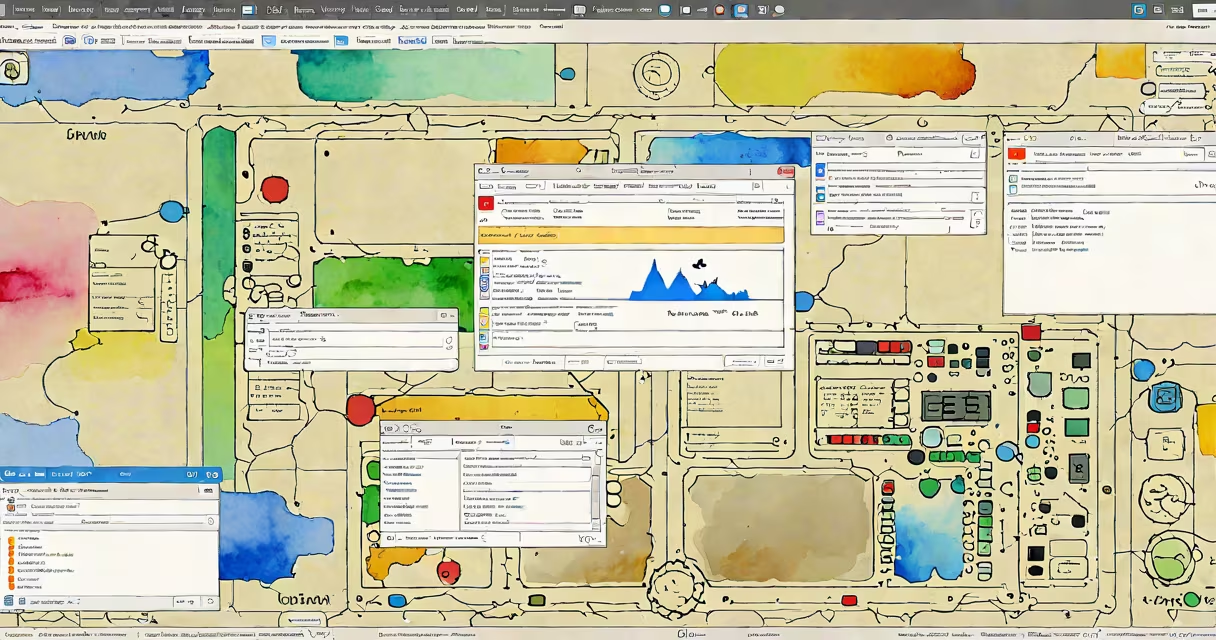
Your computer's operating system (OS) is the core software managing hardware and applications. To find yours, open settings or system information. Windows users press Win+R, type "winver," and hit Enter. Mac users click the Apple logo and select "About This Mac." Linux users check their distribution via terminal commands like "cat /etc/os-release."
An OS acts as an intermediary between hardware and software. It manages resources like CPU, memory, and storage while providing interfaces for applications. For example, when you open a web browser, the OS allocates memory and processes power to run it alongside other programs.
| Type | Examples | Common Uses |
|---|---|---|
| Desktop | Windows, macOS, Linux | Personal computers, office workstations |
| Mobile | Android, iOS | Smartphones, tablets |
| Server | Windows Server, Linux distributions | Web servers, database management |
Understanding your OS helps troubleshoot issues, install compatible software, and maintain security. For instance, knowing you run Windows 10 lets you download correct drivers or updates. Many applications list supported OS versions in their system requirements.
I once helped a colleague whose spreadsheet software stopped working. After checking, we discovered their OS was outdated. Updating resolved the issue quickly.
People often confuse the OS with specific software like Microsoft Office or Adobe Photoshop. These are applications running on top of the OS. Another mistake is assuming all computers use the same OS. In reality, different devices may run various OS versions or entirely different systems.
Some users think they can't change their OS, but many computers support multiple operating systems. For example, you can install Linux on a Windows machine or run Windows on a Mac using virtualization software. However, some older computers may not support newer OS versions due to hardware limitations. For those cases, consider a computer without an operating system.
To get detailed OS information, use built-in tools. On Windows, go to Settings > System > About. On Mac, click the Apple logo and select "About This Mac." Linux users can use commands like "lsb_release -a" in the terminal. These methods provide version numbers, build dates, and sometimes hardware specifications.
For older systems or custom builds, you might need to check documentation or contact the manufacturer. Some specialized devices run proprietary operating systems not found on standard computers.
The process of booting an operating system involves loading the OS from storage into memory. This happens when you turn on your computer or restart it. The boot process ensures all necessary components are initialized before the OS takes control.
During boot, the BIOS or UEFI firmware checks hardware components. It then loads the bootloader, which starts the OS kernel. The kernel initializes device drivers and system services before presenting the login screen or desktop environment.
Some computers don't come with an OS preinstalled. These are often sold as barebones systems or for specialized uses. Users must install an OS manually, choosing from options like Windows, Linux distributions, or even older systems like MS-DOS for retro computing projects.