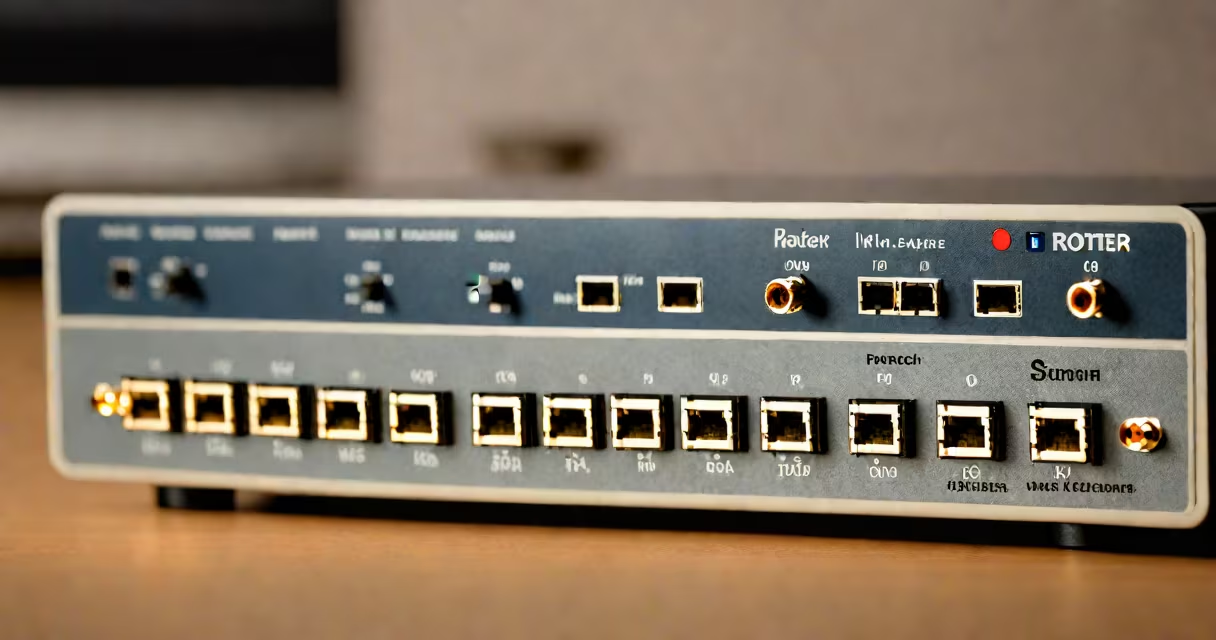
A static IP address is a fixed numerical identifier assigned to your device or network by your internet service provider (ISP). Unlike changing IPs that change periodically, a static IP remains constant.
Your ISP assigns static IPs manually through network configuration. These addresses don't expire and stay attached to your device or network unless changed intentionally. Businesses often use static IPs for servers hosting websites or running email services.
Static and changing IPs differ in assignment and use cases. Here's a quick comparison:
| Type | Assignment | Use Case |
|---|---|---|
| Static IP | Manual, fixed | Servers, security cameras, VPNs |
| Changing IP | Automatic, temporary | Home networks, mobile devices |
Static IPs are essential for hosting services that require consistent access. For example, a web server needs a static IP so users can always find it using the same domain name. Without it, the server would disappear from the internet whenever the IP changes.
Many people confuse static IPs with being more secure than changing ones. However, security depends on firewall settings and network protocols, not the IP type. A static IP simply ensures your device is always reachable at the same address.
Another myth is that static IPs are always public. While public static IPs are common for servers, private static IPs exist within local networks for internal communication.
To locate your static IP, check your router's configuration page or contact your ISP. For example, log into your router's admin panel, go through to the WAN or internet settings, and look for the assigned IP address. This process varies by router model but typically involves entering the router's gateway IP in a web browser.
If you're unsure about your IP type, why your IP address changes explains the differences between static and changing assignments.
Static IPs enable remote access to devices like security cameras or NAS drives. They also support hosting websites or running game servers. For more ideas, see what to do with an IP address.