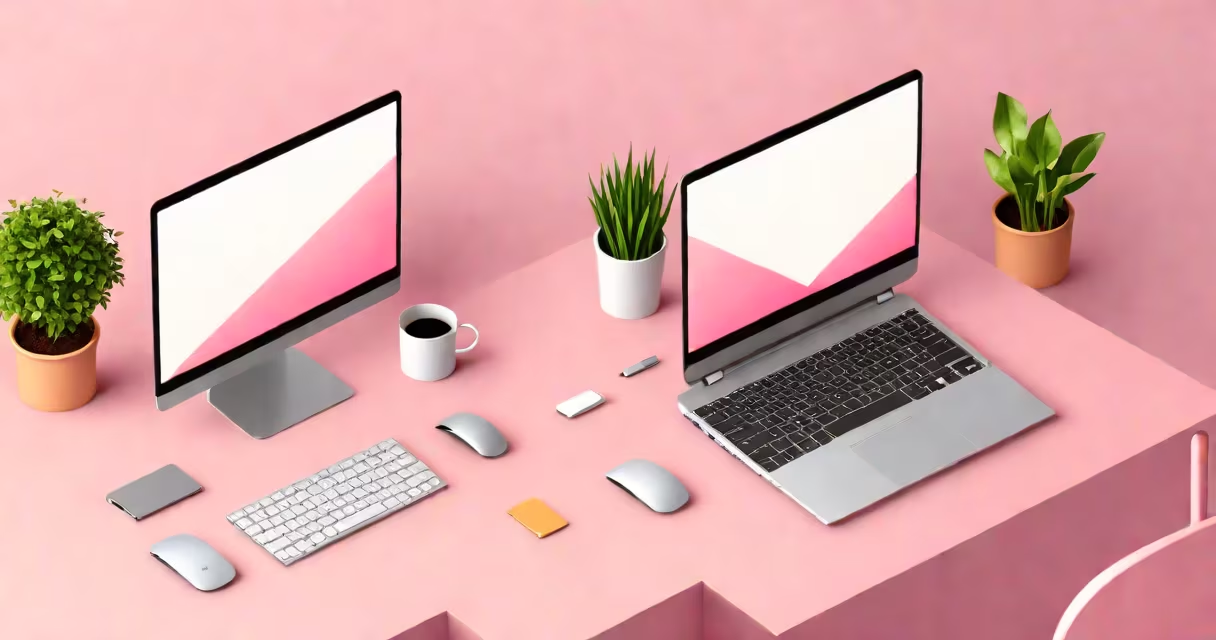
Pink computer wallpaper is a solid-color or patterned background image set as your desktop or laptop display. It uses shades of pink to create a visually pleasing workspace. These wallpapers range from soft pastels to bold fuchsias, often chosen for their calming or energizing effects.
Most operating systems allow users to set custom wallpapers through system preferences. On Windows, right-click the desktop and select "Personalize," then choose a color or image. On macOS, open System Preferences, go to Desktop & Screen Saver, and select a color or image. Android and iOS devices have similar settings under Display or Wallpaper options.
Pink wallpapers can be static images or changing themes that change based on time or other triggers. Some users prefer solid pink backgrounds for a minimalist look, while others opt for subtle patterns or gradients to add depth without distraction.
| Type | Description | Example Use Case |
|---|---|---|
| Solid Color | A flat pink background with no texture or pattern | Minimalist workspaces where focus is key |
| Gradient | Blends multiple shades of pink for depth | Creative professionals who want visual interest |
| Patterned | Features repeating designs like polka dots or stripes | Playful or decorative desktops |
| Photographic | Uses real-world images with pink tones | Nature lovers who enjoy soft pink sunsets |
Many people choose pink wallpapers for their psychological effects. Soft pinks are associated with calmness and warmth, making them ideal for reducing stress during long work sessions. Brighter pinks can boost creativity and energy, which is why they're popular among artists and designers.
Pink wallpapers are also versatile. They pair well with most app icons and desktop layouts, creating a cohesive look. Unlike busy wallpapers, solid pink backgrounds minimize distractions, helping users stay focused on tasks.
Some believe pink wallpapers are only for children or overly feminine spaces. However, many professionals-especially in creative fields-use them for their calming and inspiring qualities. The key is choosing the right shade. A muted blush pink may feel sophisticated, while a bright magenta can feel playful.
Another myth is that pink wallpapers limit customization. In reality, they work well with dark mode, allowing icons and text to stand out. Many users pair pink wallpapers with dark-themed apps for a striking contrast.
To create a personalized pink wallpaper, start by selecting a base shade. Tools like Adobe Color or Coolors can help you find complementary colors for icons and widgets. For a gradient effect, use software like Photoshop or free online tools like Canva to blend two or more pink tones.
For a fully customized look, consider adding subtle textures or patterns. A barely-there polka dot or stripe can add dimension without overwhelming the design. Once your wallpaper is ready, save it as a high-resolution image and set it as your desktop background.
I once created a custom pink wallpaper for my work laptop by blending a soft pastel pink with a barely-there geometric pattern. The result was a calming yet professional background that improved my focus during long coding sessions.
Many websites offer free pink wallpapers, including Unsplash, Pexels, and Wallhaven. For solid color backgrounds, sites like Transparent Textures provide smooth pink textures. If you prefer changing themes, check your operating system's built-in wallpaper options or third-party apps like Wallpaper Engine for Windows.
Pink computer wallpaper is more than just a pretty background-it's a tool for enhancing productivity and mood. Whether you prefer a soft pastel or a bold fuchsia, the right shade can change your digital workspace into a more enjoyable environment. Experiment with different shades and styles to find the one that works best for you.